In-House Whiteboard from 0→1
Led end-to-end design from concept to launch — aligning user needs, market fit, and technical feasibility
Overview
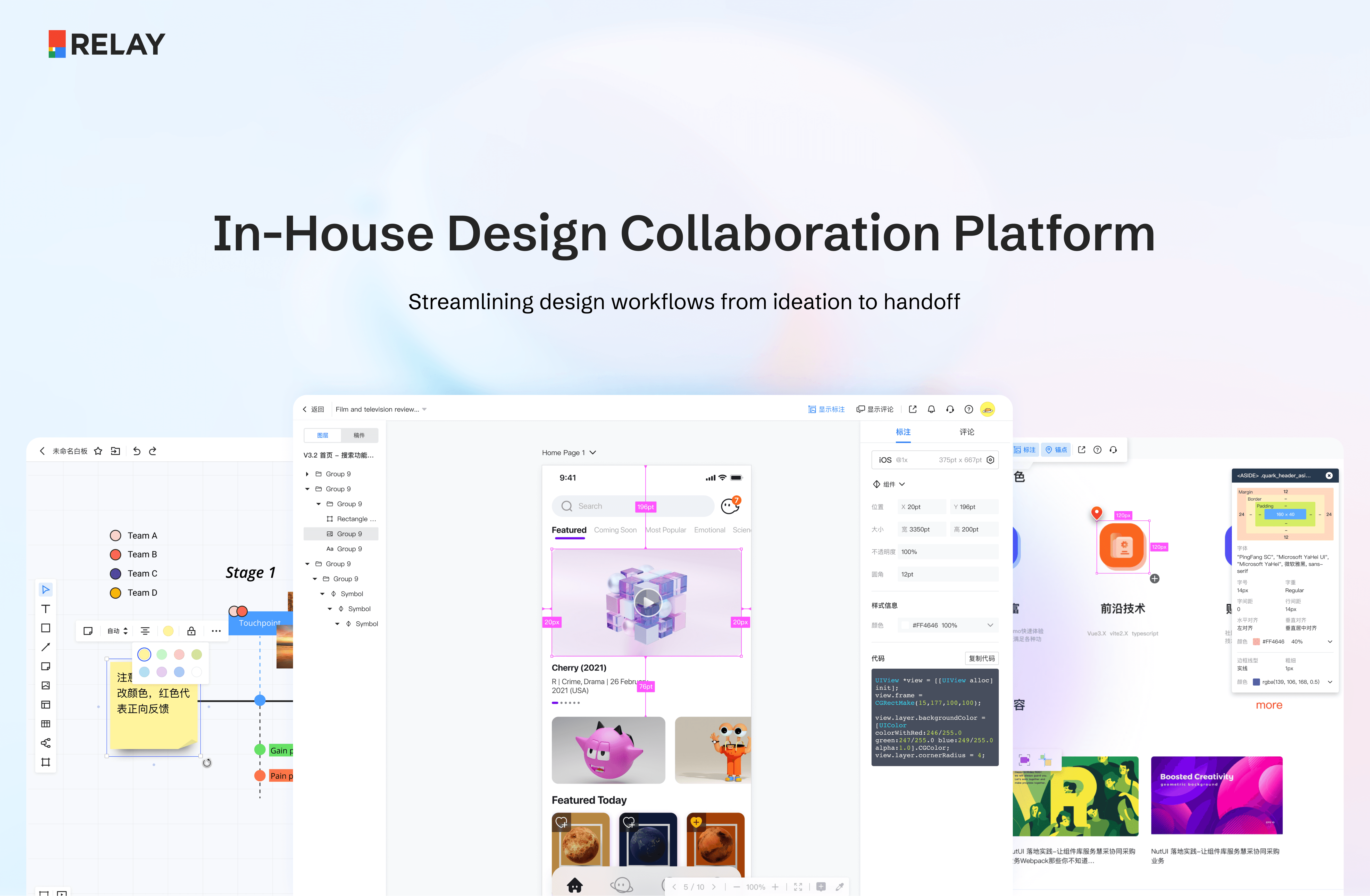
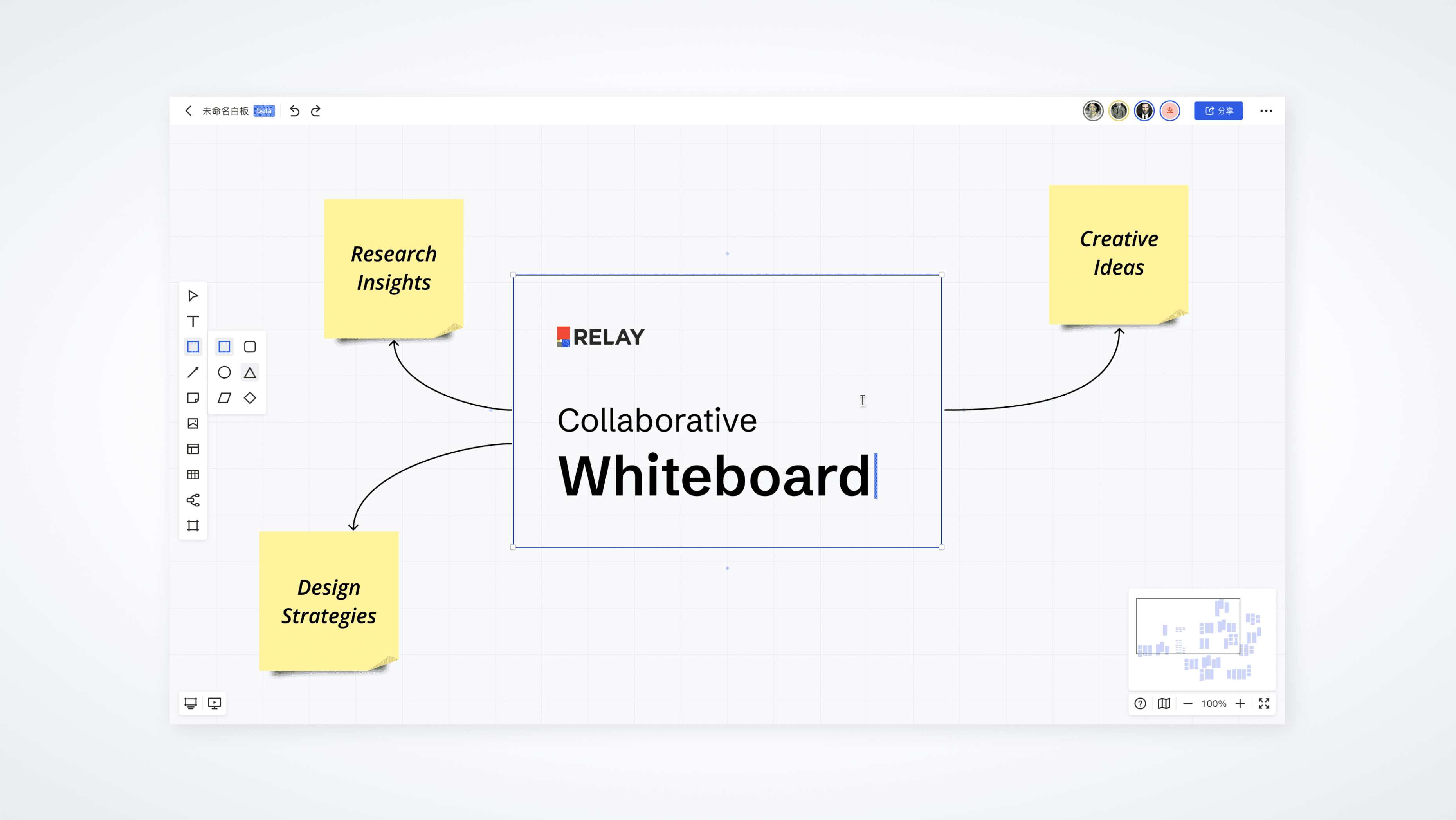
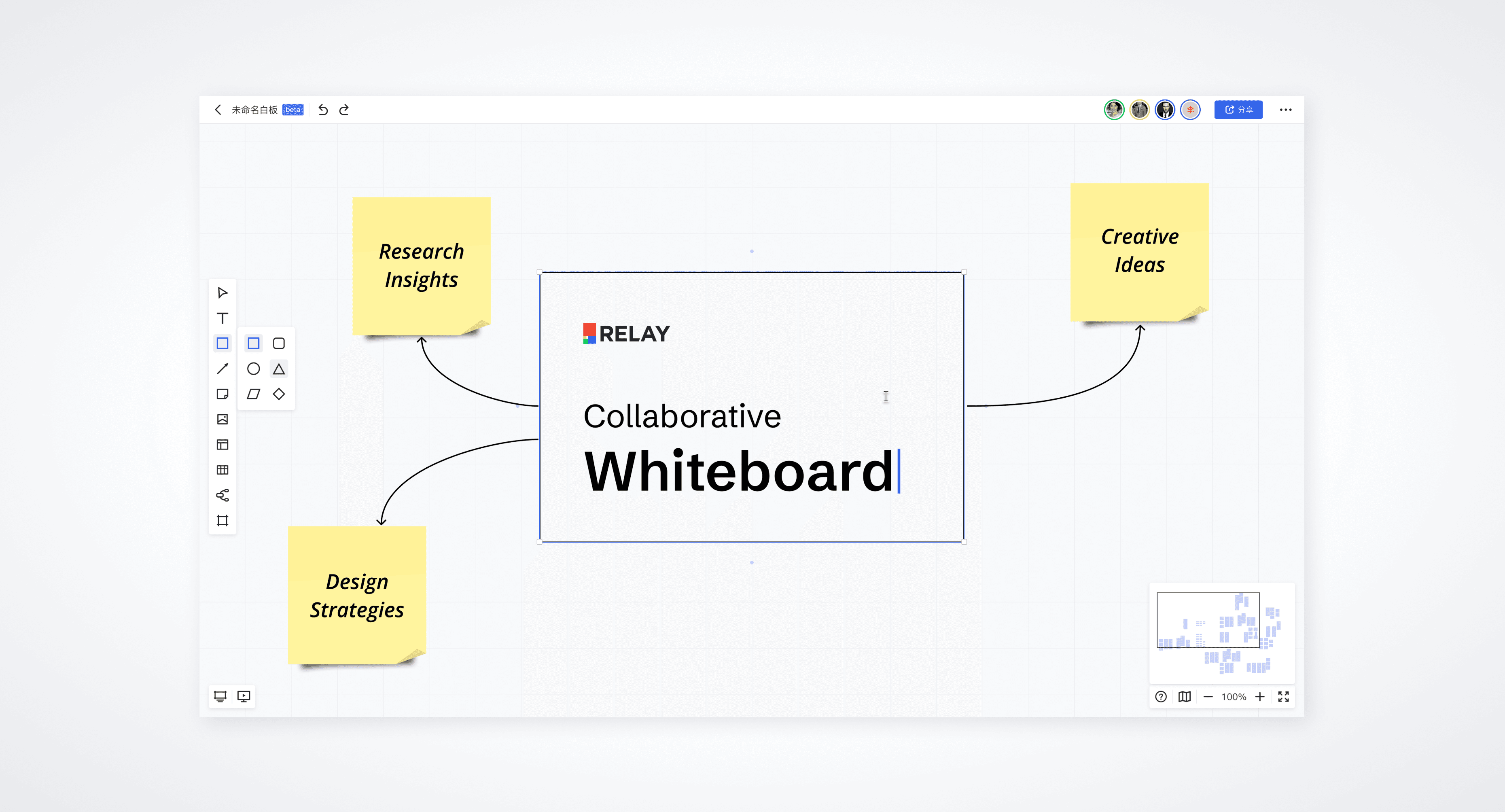
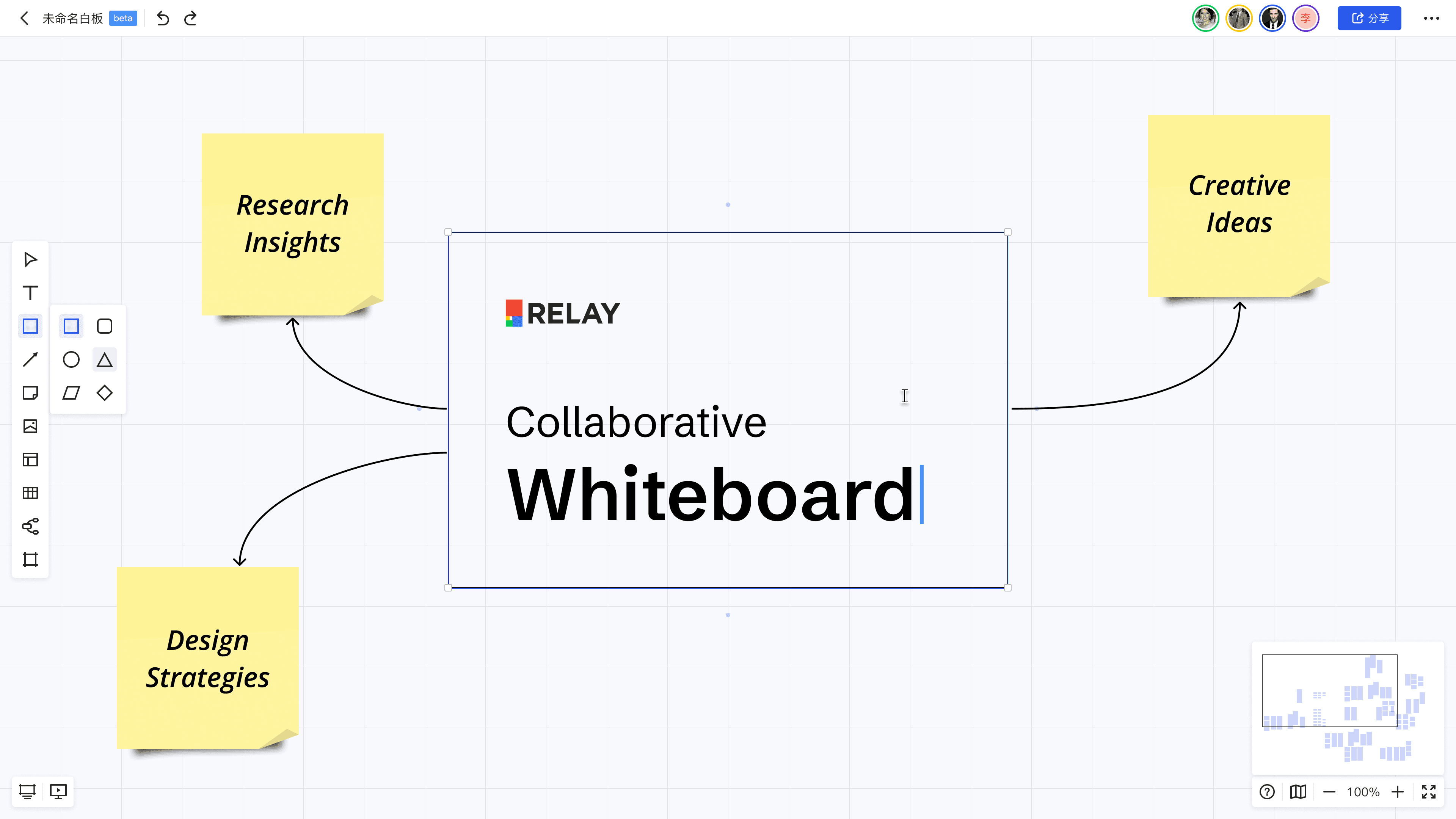
The Whiteboard is a key module within the RELAY platform, created to enhance team productivity at the JD Design Centre. It features tools designed to solve common collaboration challenges, specifically addressing the following use cases:
Storing project references
Framing and synthesizing complex product logics
Wireframing designs
Documenting and presenting the planning process
This tool was developed to address gaps in existing design tools (such as Figma) and documentation platforms, which lacked efficient support for cross-functional team brainstorming, wireframing, and sketching complex product logic. The decision was made to build an in-house whiteboard tool on top of our existing cloud-based design storage system.
I took on the roles of both designer and product manager. My primary responsibilities included breaking down the functionality, aligning features with internal needs and available resources, and strategically creating the feature list while planning for implementation and iteration phases.
Timeline
2021 Q2 - Q4
Genre
In-house Tool
Tools
Figma
Team

Product Manager
UX Designer
UI Designer (Design System)
Full Stack Engineer
My responsibilities
Identified product differentiation
Defined MVP scope through user research
Led end-to-end product and design
Outcome
2,000+ DAU (66% of platform traffic)
20% cross-functional adoption
Success led to expanded R&D investment → team built JD's internal Figma
Problem Statement
JD.com manage massive user, product, and logistics systems daily. Behind this, designers, engineers, and product managers are continuously iterating on features. However, existing tools like Figma don’t effectively support cross-functional teams in brainstorming, wireframing, or sketching complex product logic, causing communication gaps and slowing down collaboration.
To address this, we’re building a new whiteboard tool from scratch to streamline collaboration and enhance creativity.
Product Design Road Map

01
02
+
+
03
User Research
Painpoint in Designer’s work flow
Competitor Analysis
Competitor’s features and product positioning
Design
Create UX & UI Design
Product Positioning &
Road Map
Identify feature priority
Requirements &
Project Schedule
Breakdown the features into to-do list
Communicate
Feasibility
Cross functional comunication
04
06
05
Research
User Research
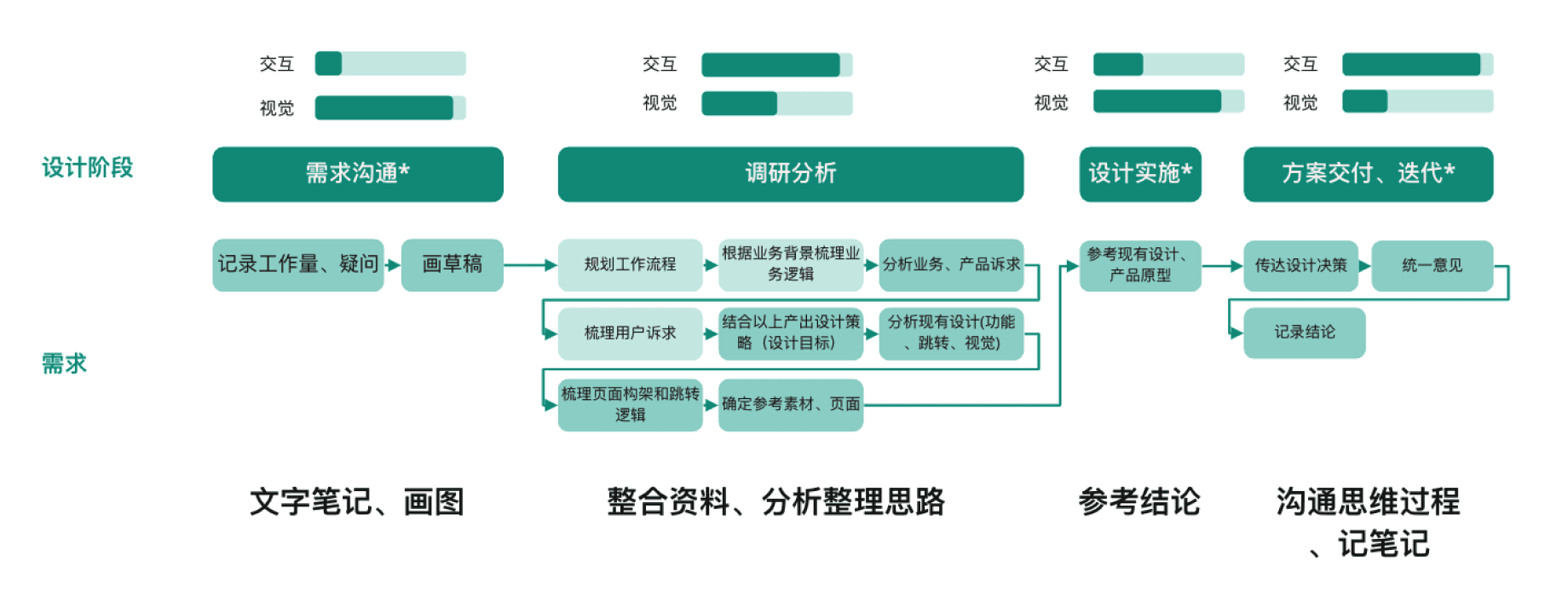
I interviewed 10 UX designers, 10 UI designers, 8 PM, and 5 engineers from different business units within the department to frame typical use cases, flows, and pain points.
Research Subject
Colleges
Self
Research Method
Interview
Self-experience
Outcomes
User Journey Map
Scenario Synthesis
User Insight
Key insights:
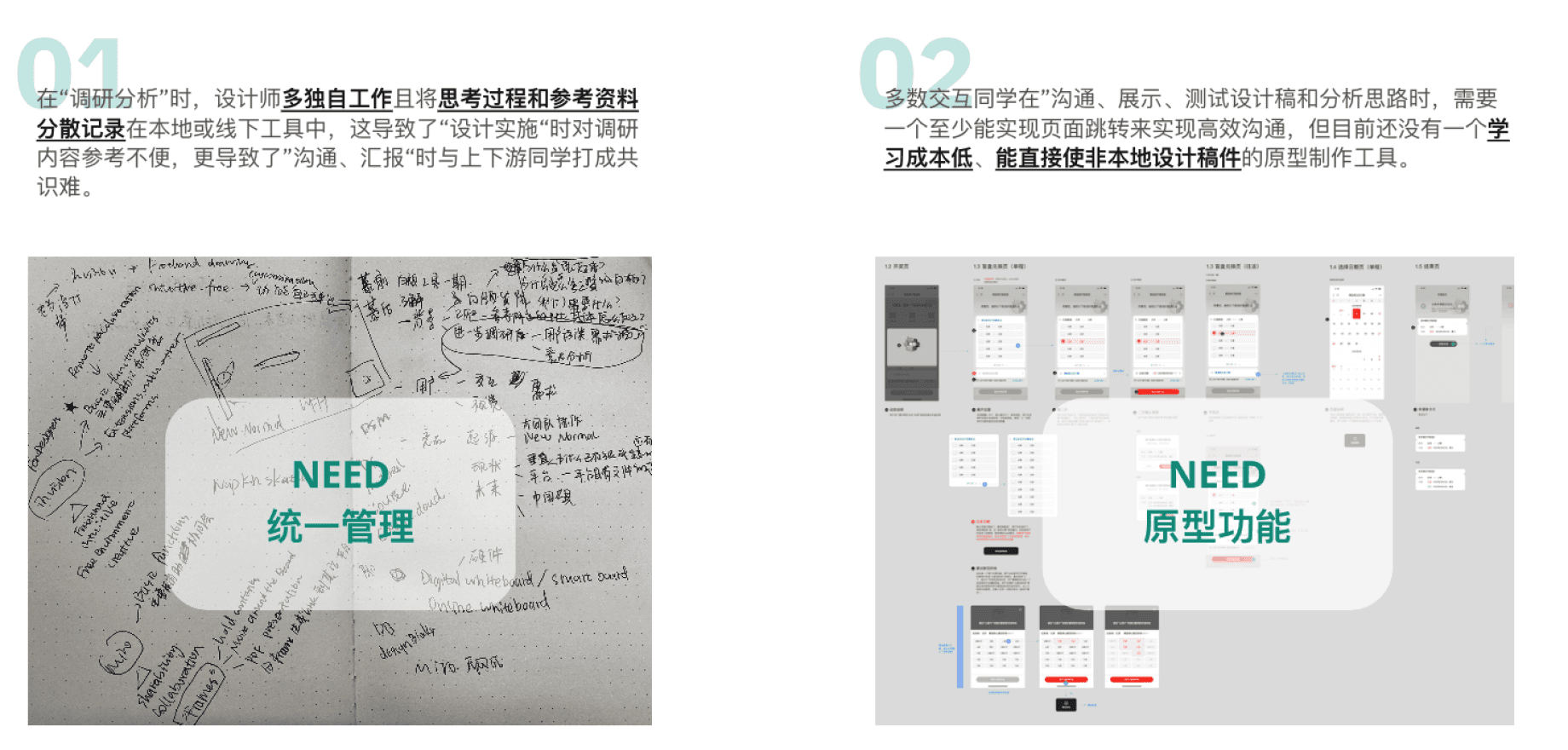
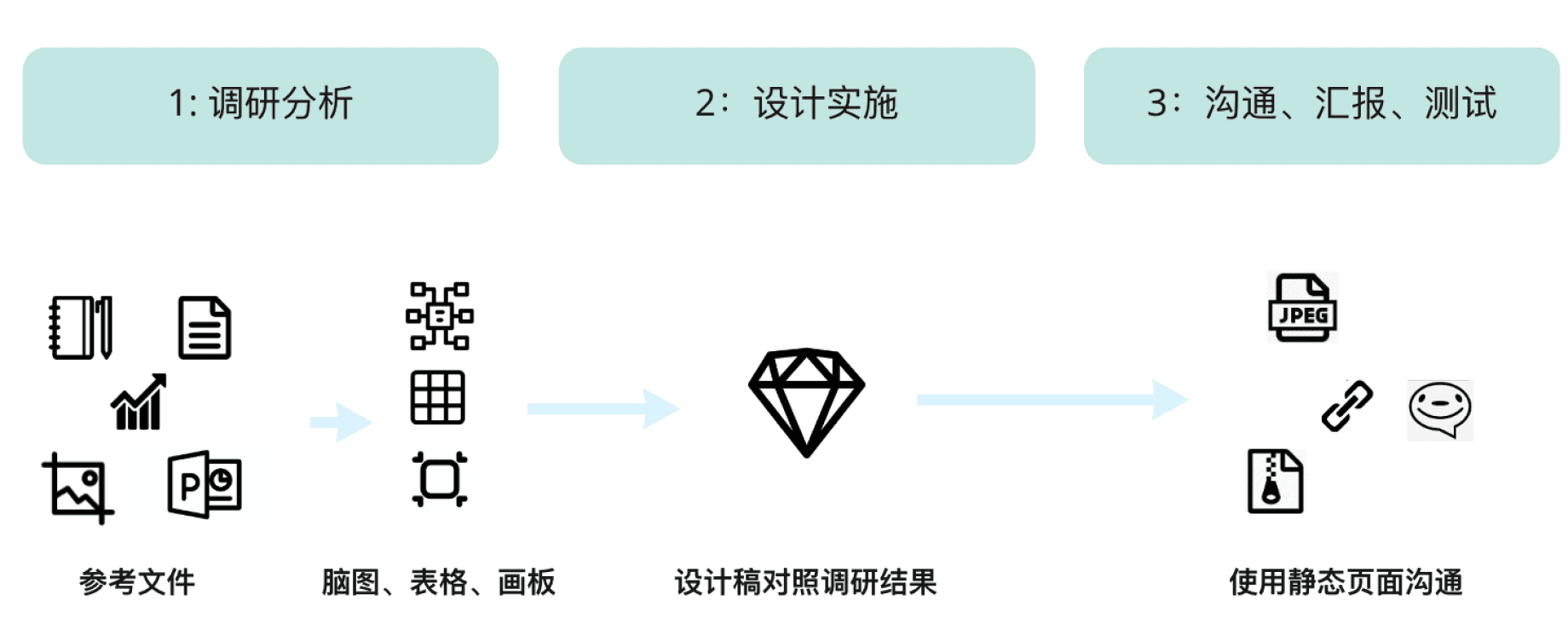
Designers often face challenges when analyzing product manager requirements, as design materials and product information are stored separately, sometimes even locally. This leads to difficulties in referencing and communication during UX/UI collaboration, design-development handoffs, and design-product coordination, often causing redundant work.
There is no tool for quickly creating low-fidelity page flows that can be used by designers, product managers, and developers. Figma's comprehensive features make it difficult for product managers and developers to use effectively.
Research
Competitor Analysis
After gathering user insights, I turned focus to analyzing whiteboard tools on the market. I broke down their features and conducted a comparative analysis to understand the basic feature coverage of these tools.
Research Subject
Domestic Competitors
International Competitors
Research Method
Information architecture breakdown
Key Functionality Analysis
Outcomes
List of all features and feature structures
Competitor’s coverage of feature
Comparison of pros and cons of all competitors
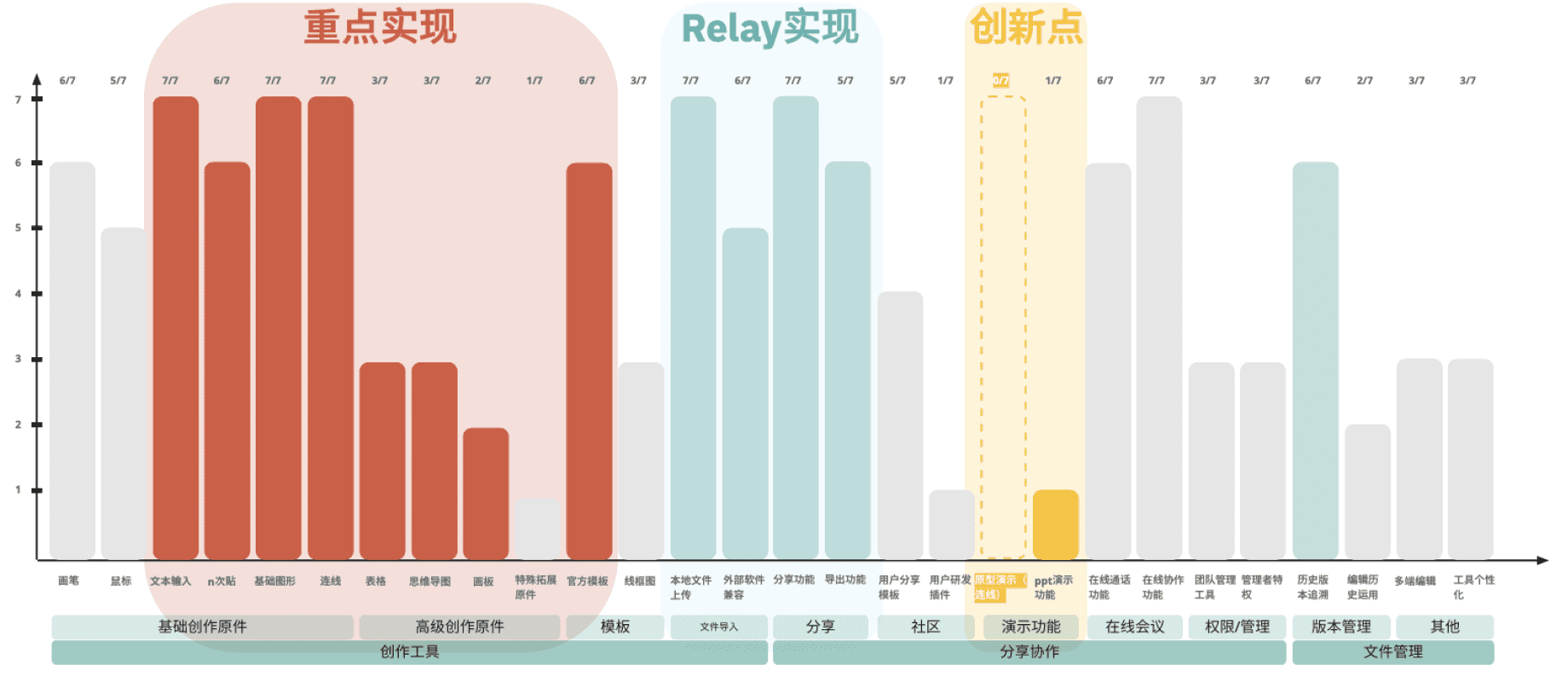
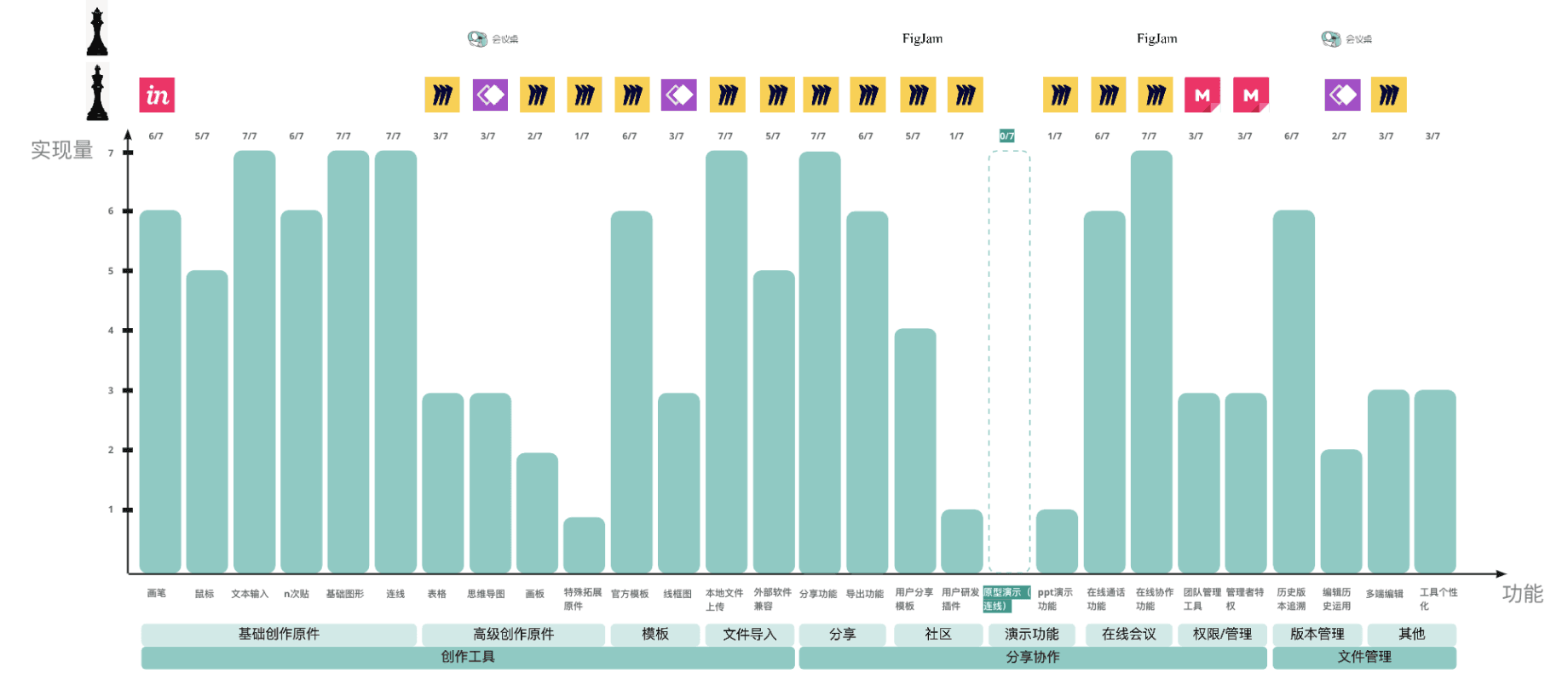
Identify both fundamental capabilities and potential areas for innovation:
Core Features: We identified that most tools include basic drawing features (such as shapes, pens, sticky notes), image import, and real-time collaboration capabilities.
Mind Mapping: Domestic (Chinese) tools, compared to international competitors, commonly include mind map functionality as a basic feature. This aligns with our user research findings.
Pros and Cons: After comparing the tools, Miro stands out with the most features and the most detailed use cases for each feature.
Research Analysis & Cross Functional Communication
Feature-to-Roadmap Framework
I categorized features by use case, type, and specificity, then prioritized by balancing industry standards, differentiation, user value, and product strategy.
This analysis guided my roadmap definition and version planning in collaboration with the development team, aligning user needs, business goals, and technical feasibility.
Ideation
A
B
C
Collaboration
File Management
Categorization of all the Features
A1
Drawing Tools
Sticky Notes, Shapes, Line, Text
A2
Diagramming Tools
Mind Map, Sheet, Art Board
A3
Templates
Design Methods, Components
A4
Import Files
Local File, Cloud File
B1
Share
Share File, Export File
B2
Community
User Template, User Plugins
B3
Presentation
Slide Show
B4
Real-Time Collab.
Meeting, Synch. Editing
B5
Admin
Team Management, Set Access
C1
Version
Edit History, Playback History
C2
Others
Multi-devices, Personalization
MS1
MS2
MS3
New Features
New Features
New Features
Reusable Features
A1
Drawing Tools
B3
Presentation
A4
Import Files
B1
Share
A2
Diagramming Tools
A3
Templates
A4
Import Files
A5
+
Prototyping
B5
Admin
B4
Real-Time Collab.
Product Road Map
Subjective
Objective
user-driven
A1
A2
B4
B5
C2
B3
B2
B1
A4
A3
product-centric
Industry-Wide Features
Differentiating Features
A5
+
Defining Our Product Positioning & Feature Road Map
Project Management
Requirements & Project Schedule
To establish clear, detailed requirements for the Whiteboard project, tracking progress and ensuring efficient collaboration throughout development.
What I did
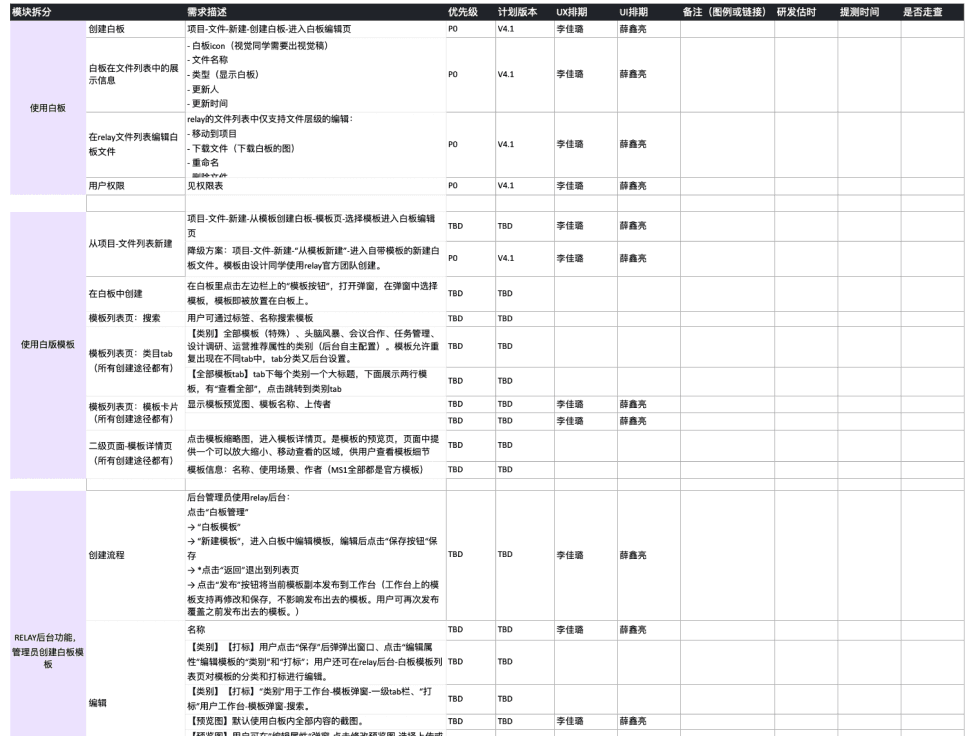
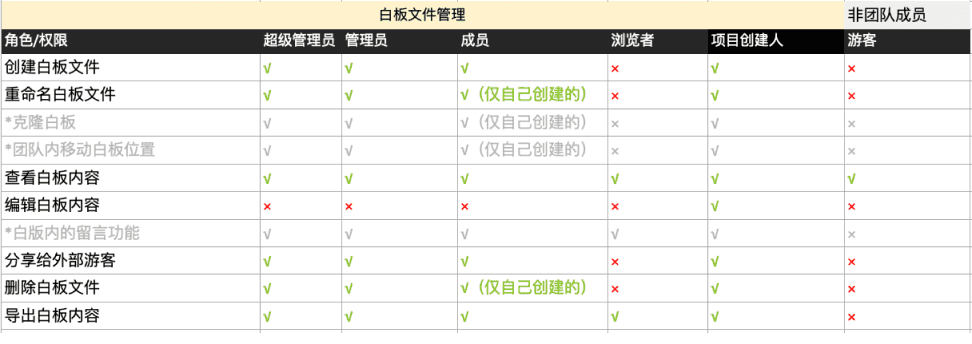
Broke down features into detailed product specifications.
Created a requirements tracking document to monitor the status and completion milestones of each feature.
Utilized a Gantt chart for tracking weekly progress and meeting deadlines.
Issue & Feedback Tracking
Track QA Issues with a dedicated issue tracking list during development to identify and resolve bugs before launch
Monitor Post-Launch Bugs through user reports, prioritizing fixes based on impact.
Collect User Feedback for continuous product refinement and iterative improvements post-launch.

Design
Page Layout - Use Cases
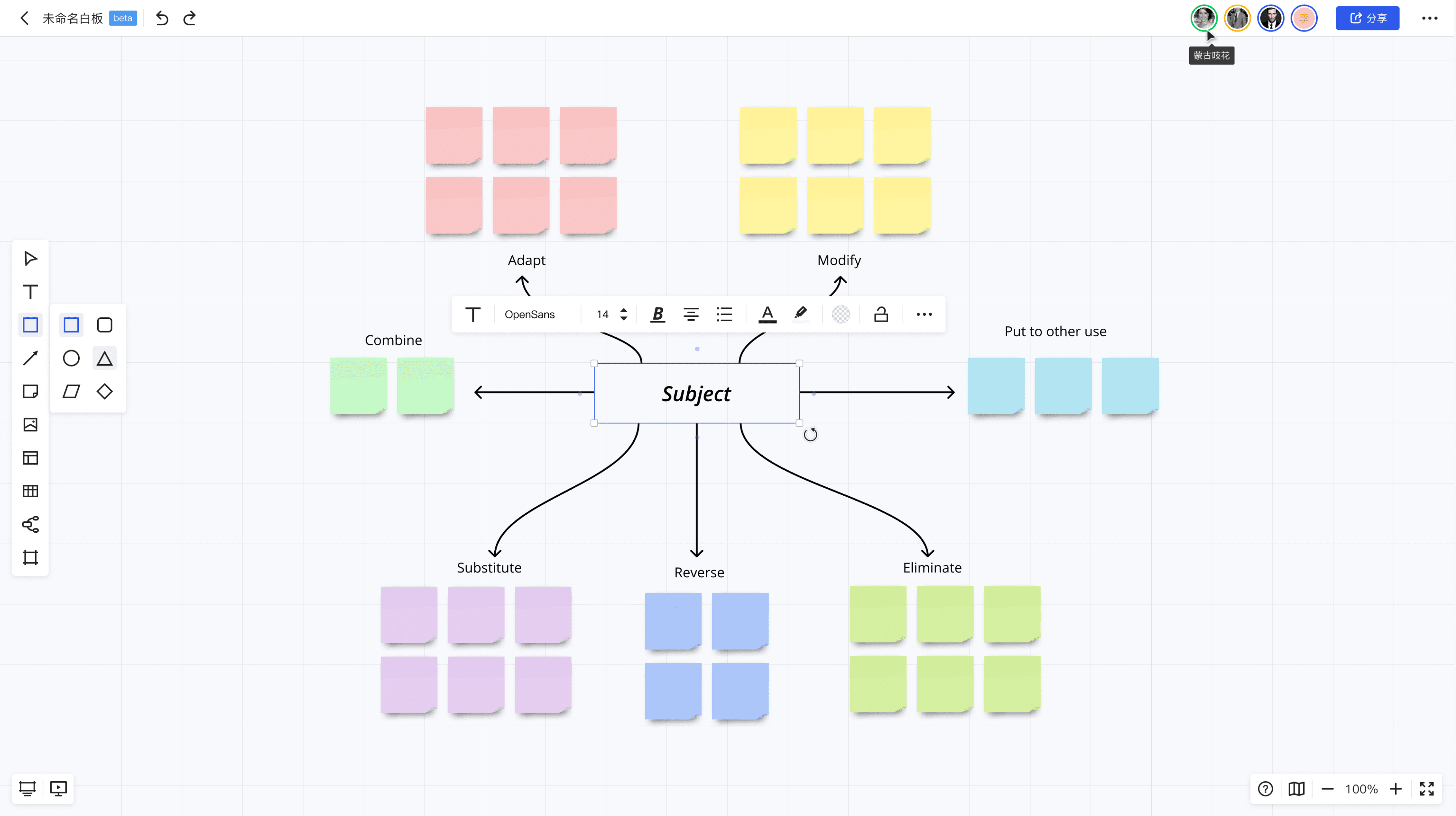
Scale, Help, and Feedbacks
For Presentation & Lo-fi Prototype
For Ideation
For Editing Component Style
For File Management & Collab.
Design
Features
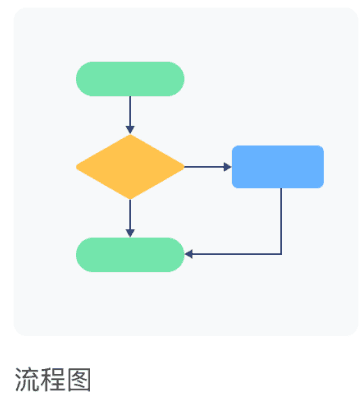
Framing and synthesizing complex product logics
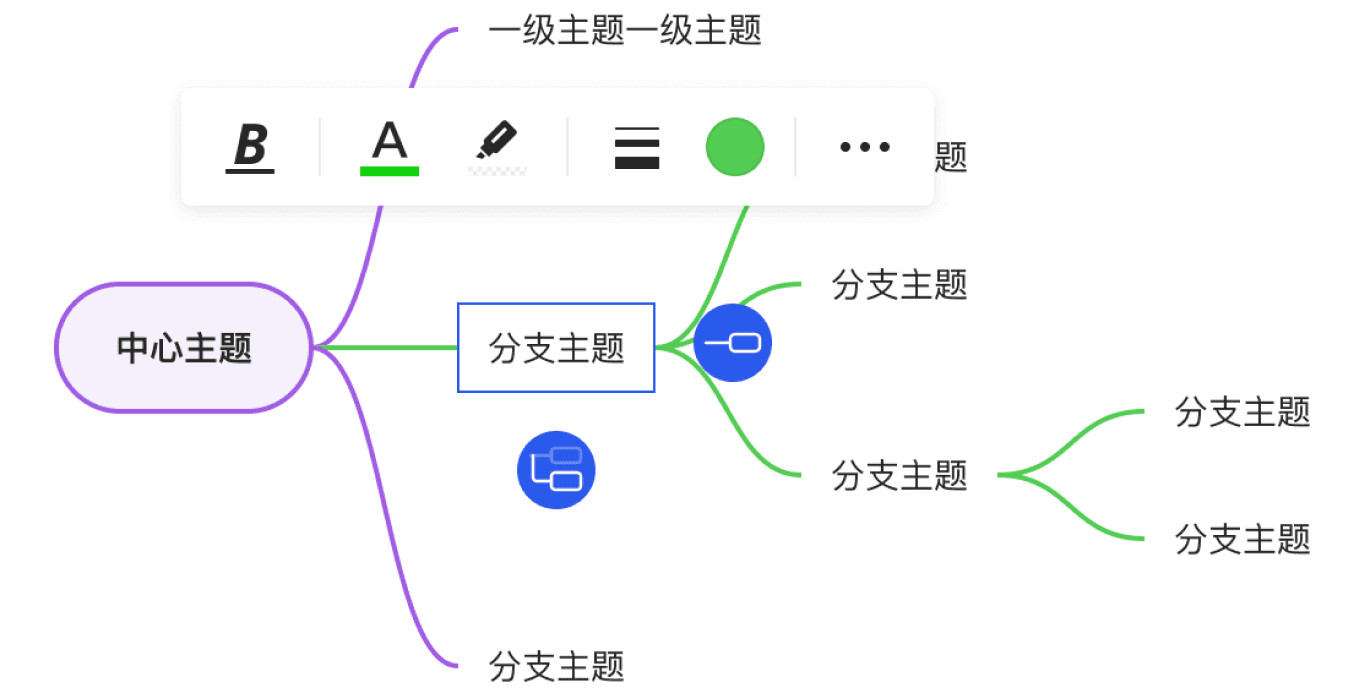
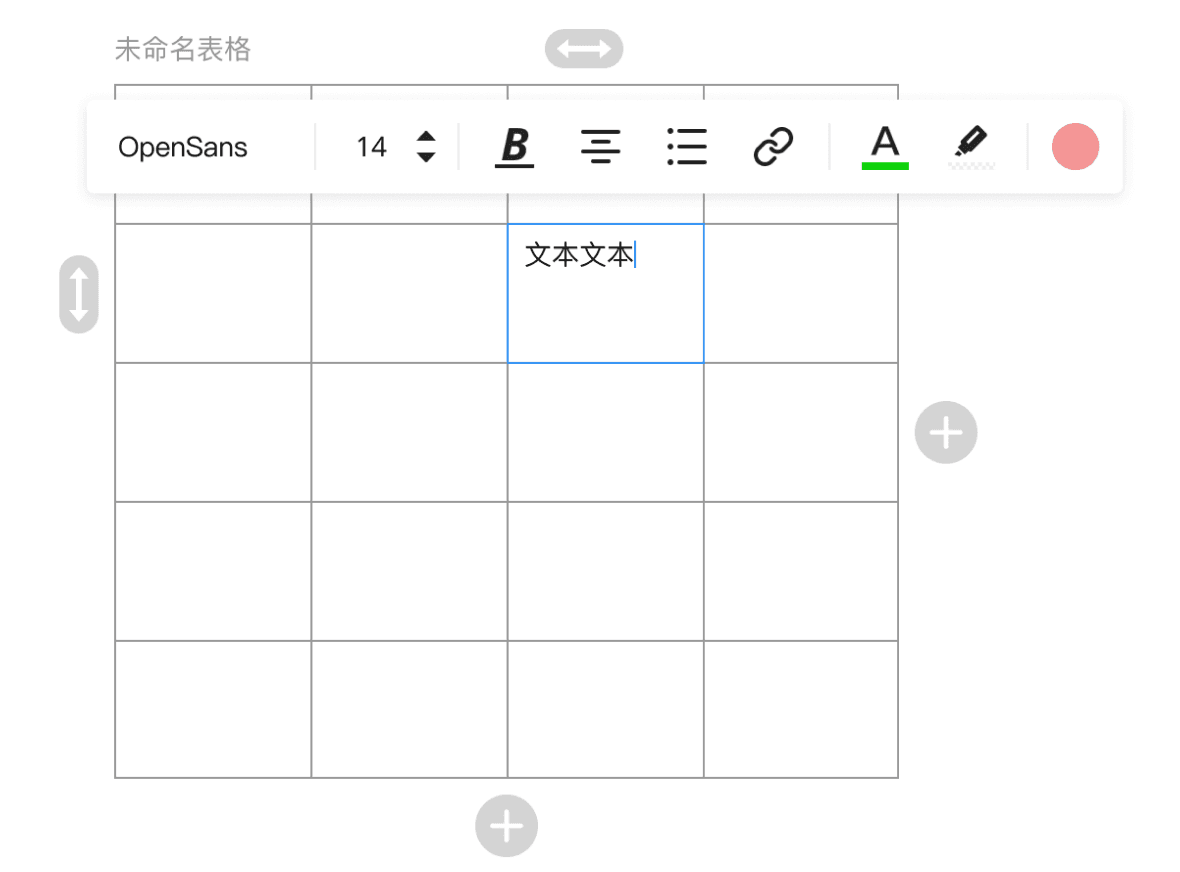
Mind Map & Flow Chart
Sheet
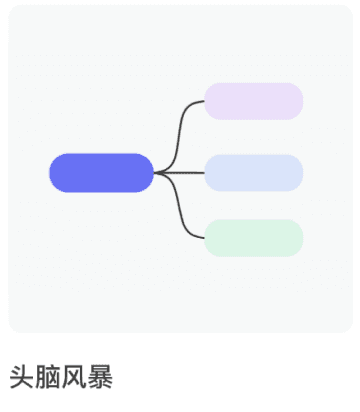
Brainstorming & Scattered References
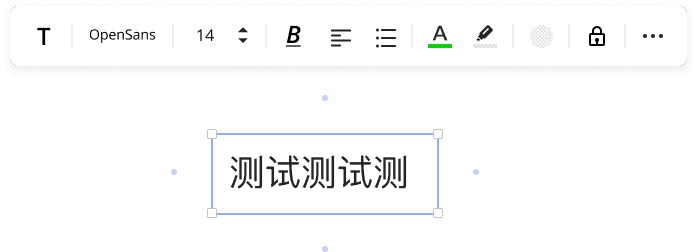
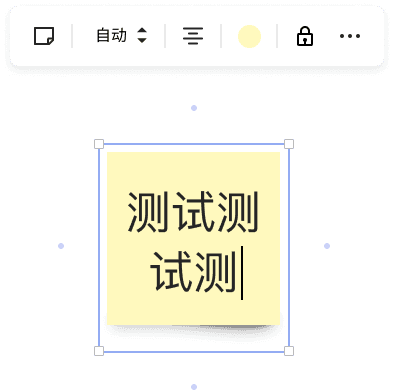
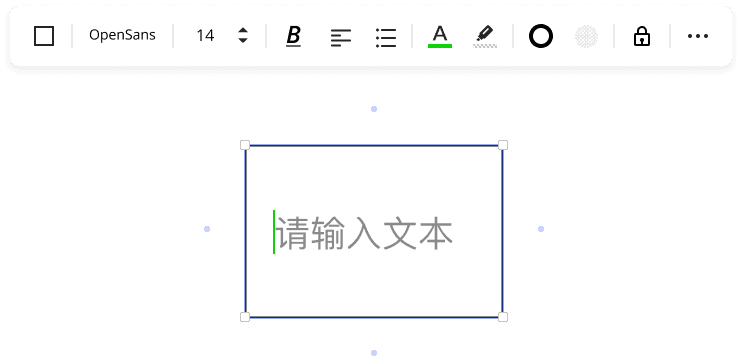
Text, Sticky Note
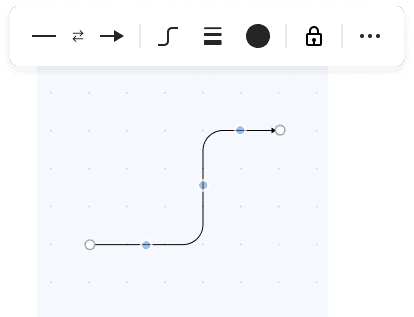
Basic Shapes, Line
Design
Presentation Mood - A Cooperate Specific Use Case
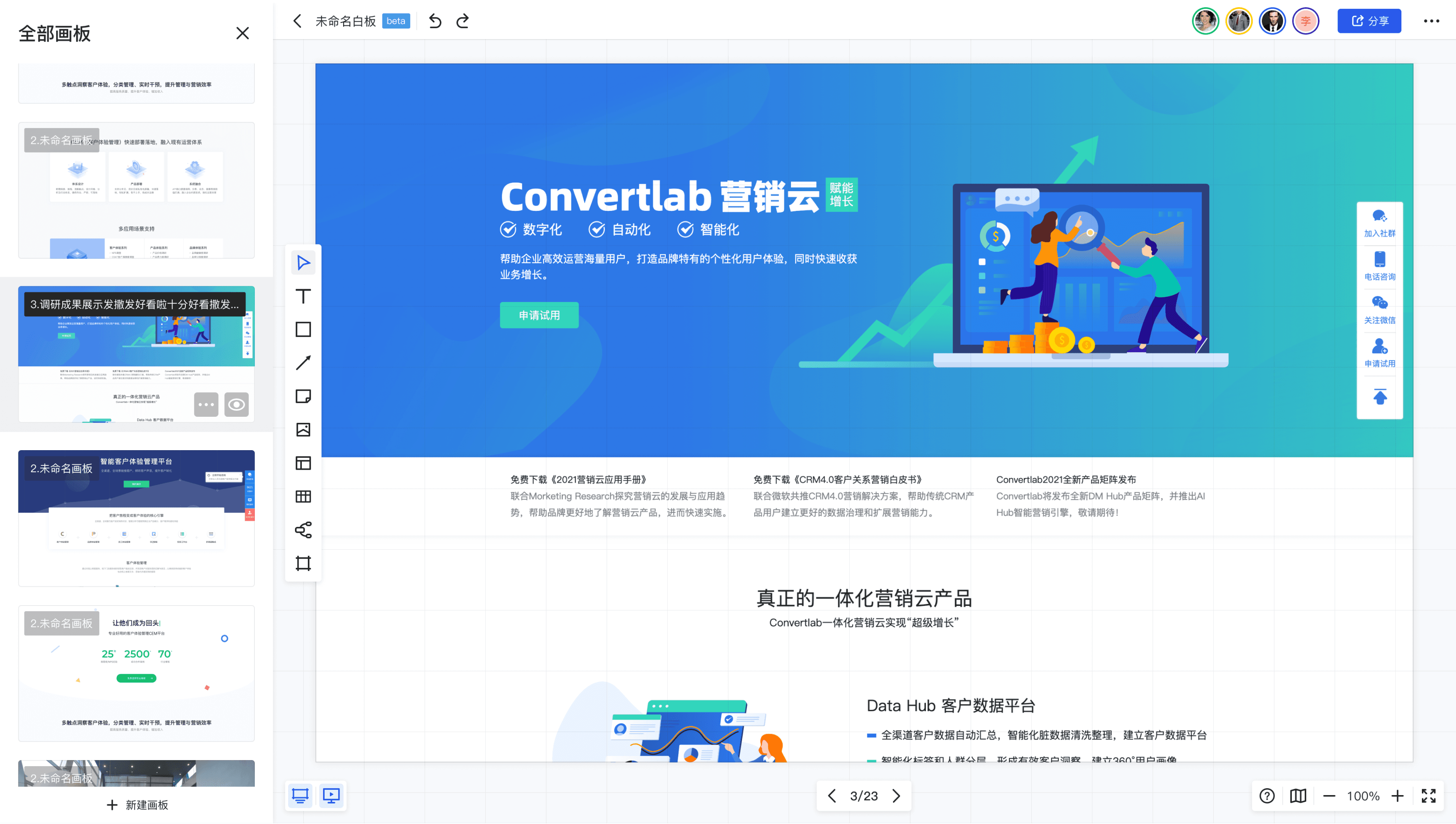
Page Switch
The Focus Mode
Deck Thumbnails
Impact After Launch
66%
Platform traffic share
2,000+ DAU out of 3,000+ platform total
20%
Non-designer users
Met team goal of cross-functional adoption
Adoption Rate
Strategic Impact
Cross-Functional Reach
From 0 → full launch | 6 months, Passed director review, Shipped with 5+ core features
Proved cross-functional adoption model; secured additional R&D resources
Foundation for JD's internal Figma
Related Projects