ML-Powered Pricing Recommendations
Helping casual sellers price their tickets competitively in a dynamic marketplace
Overview
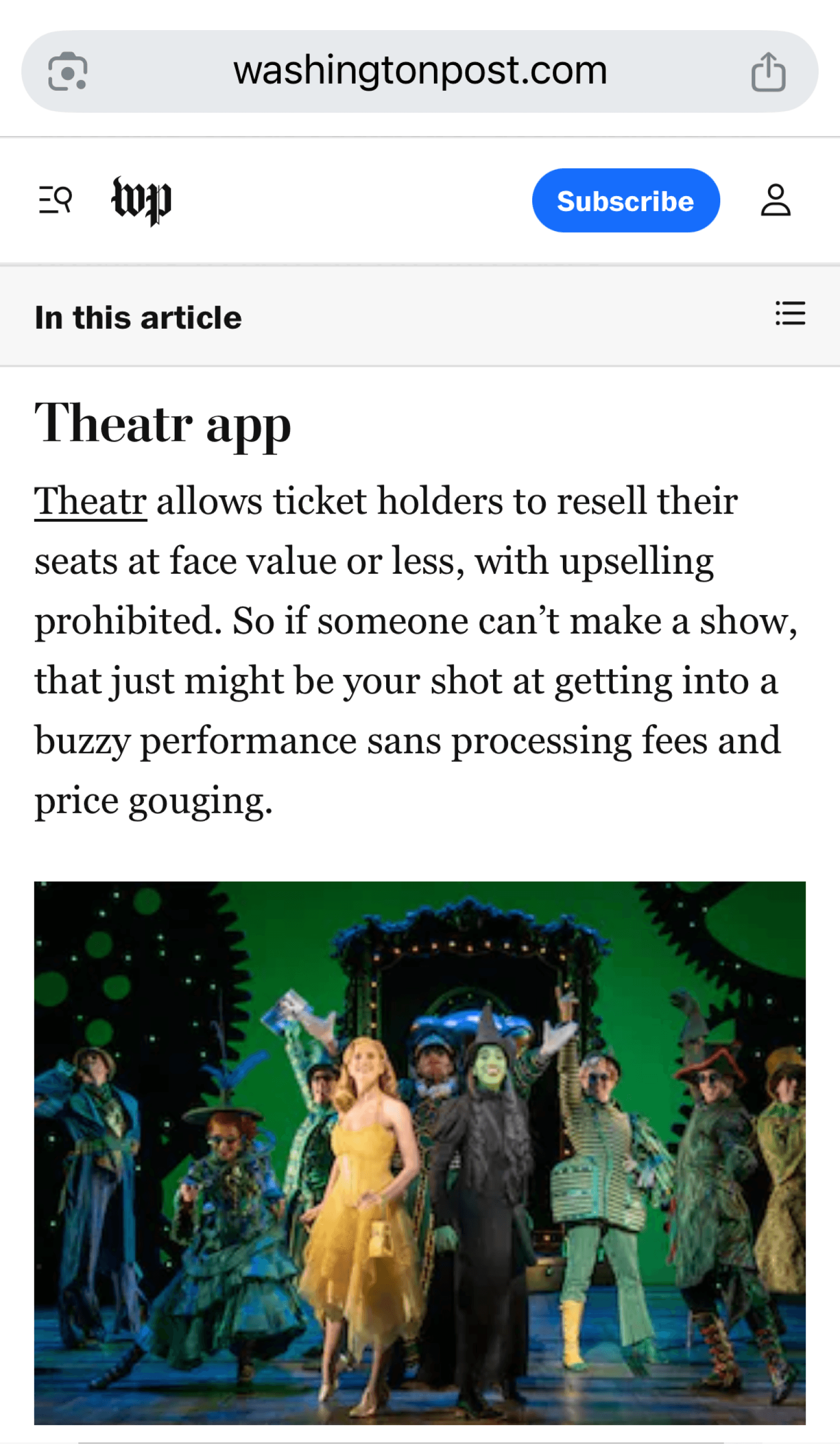
About Theatr App
Theatr is a New York City-based mobile ticketing platform that democratizes access to live entertainment. Unlike traditional ticketing platforms, we serve a dual-sided marketplace where the same users can be both buyers and sellers—they're theater fans, not professional ticket brokers. Our users range from Broadway enthusiasts who occasionally can't make a show, to casual theatergoers looking for last-minute deals. This creates a unique challenge: most sellers have no professional pricing expertise and list tickets under time pressure (most listings are created within 3 days of showtime).
Project Overview
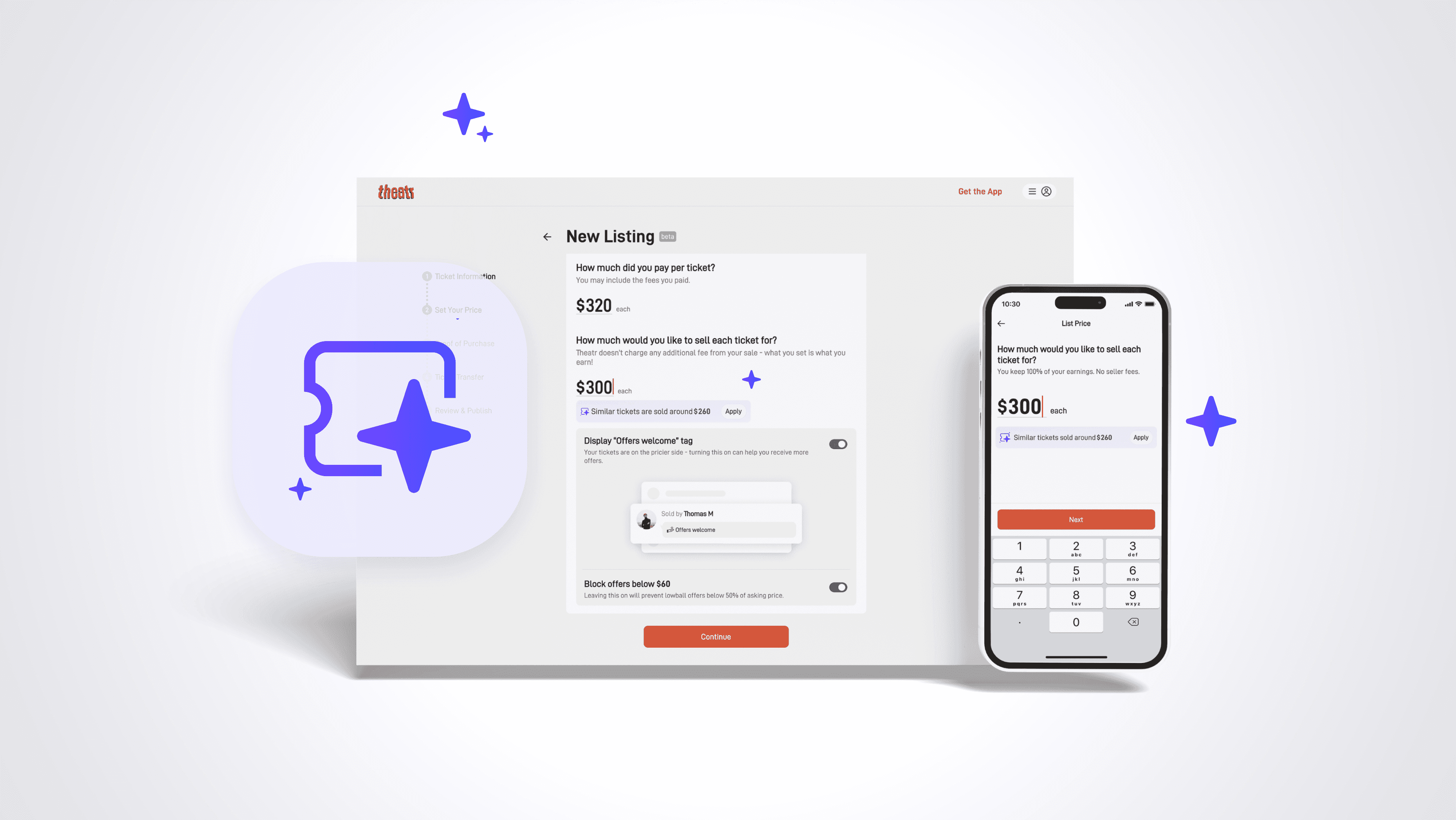
This project focused on designing an ML-powered pricing recommendation system that helps casual sellers price their tickets competitively based on real market data. Working at the intersection of AI and interaction design, I translated a single algorithmic output into a contextual, adaptive user experience that guides seller decisions across multiple scenarios—ultimately helping more tickets sell faster at better prices.
Timeline
2025 Q2
Genre
AI Agent
Tools
Figma
Team
Product Manager
Data Scientist

AI Interaction Designer
Product Designer
Impact
34% ML pricing adoption rate among sellers
50% reduction in median sold time for high-priced tickets
7% increase in overall sales rate across the platform
The Challenge
Our NYC-based secondary ticket marketplace connects everyday fans who want to buy and sell event tickets. Unlike professional ticket brokers, our sellers are casual users who typically list tickets they can no longer use—they're not pricing experts.
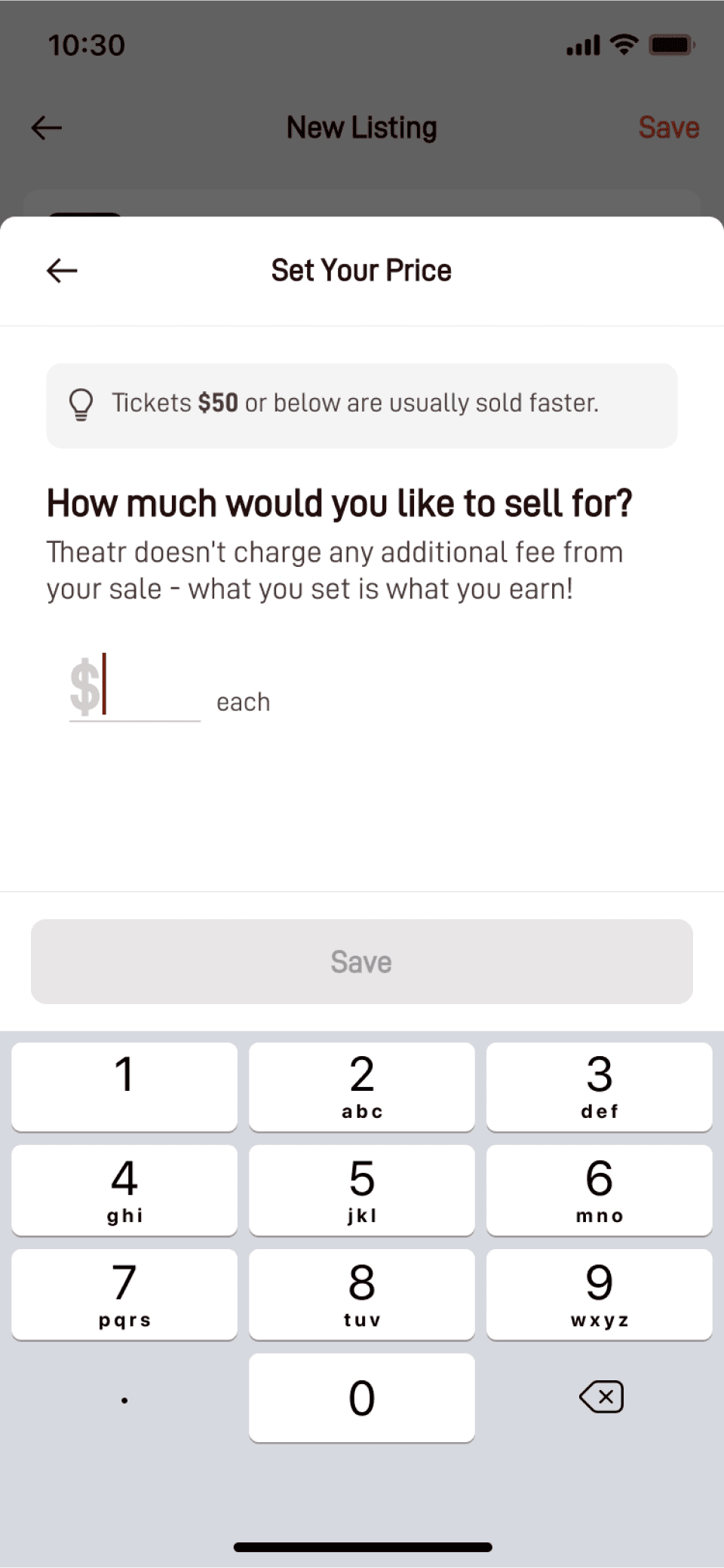
Previously, we recommended a flat $50 price point for all listings because data showed tickets at this price had the highest conversion rate. However, this one-size-fits-all approach created two critical problems:
The business problem
This conservative pricing left significant revenue on the table. Premium shows with great seats and popular performers were being systematically underpriced, pulling down our platform's GMV.
The user problem
Over half of our sellers received pricing guidance that was essentially meaningless. A front-row ticket to Hamilton shouldn't be priced the same as an upper-balcony seat to a weekday matinee.
Key Constraint
Our users are time-pressed — most tickets are listed within three days of the show, with a large portion listed on the day of the show itself. Any pricing solution needed to be fast and effortless.
My Role & Approach
Working closely with our data scientist, I designed the interaction model for surfacing ML-generated price recommendations at the right moment, with the right context, to maximize both adoption and seller success.
My core contribution
Translating a single algorithmic output (one conservative price recommendation) into a contextual, adaptive UX that guides seller decision-making across multiple scenarios.
Understanding the Model
Generates conservative (sell-likely) price recommendations
Requires show name, showtime, and seat location as inputs
Updates every 1–4 weeks (relies on generalization, not real-time data)
Outputs a single recommended price (not a range)
My challenge
How do I design an interface that helps sellers make confident pricing decisions with a single data point, while accommodating edge cases where the model might be outdated or the seller has better market knowledge?
Design Solution
I identified that sellers encounter fundamentally different scenarios when pricing, each requiring distinct messaging and UI treatment. Rather than forcing a single interaction pattern, I designed five contextual states that adapt to seller behavior and model confidence.
State Decision Tree
Seller enters pricing screen
No input
ML recommendation available?
yes
no
Manual input
Near match
State 5
Default Rec. Price
State 1
“👍 Competitive Price”
State 2
Manual input only
Fallback State
Clicks apply
Reccommend
Error + Rec
Too high/low
State 3
Above purchase
State 4
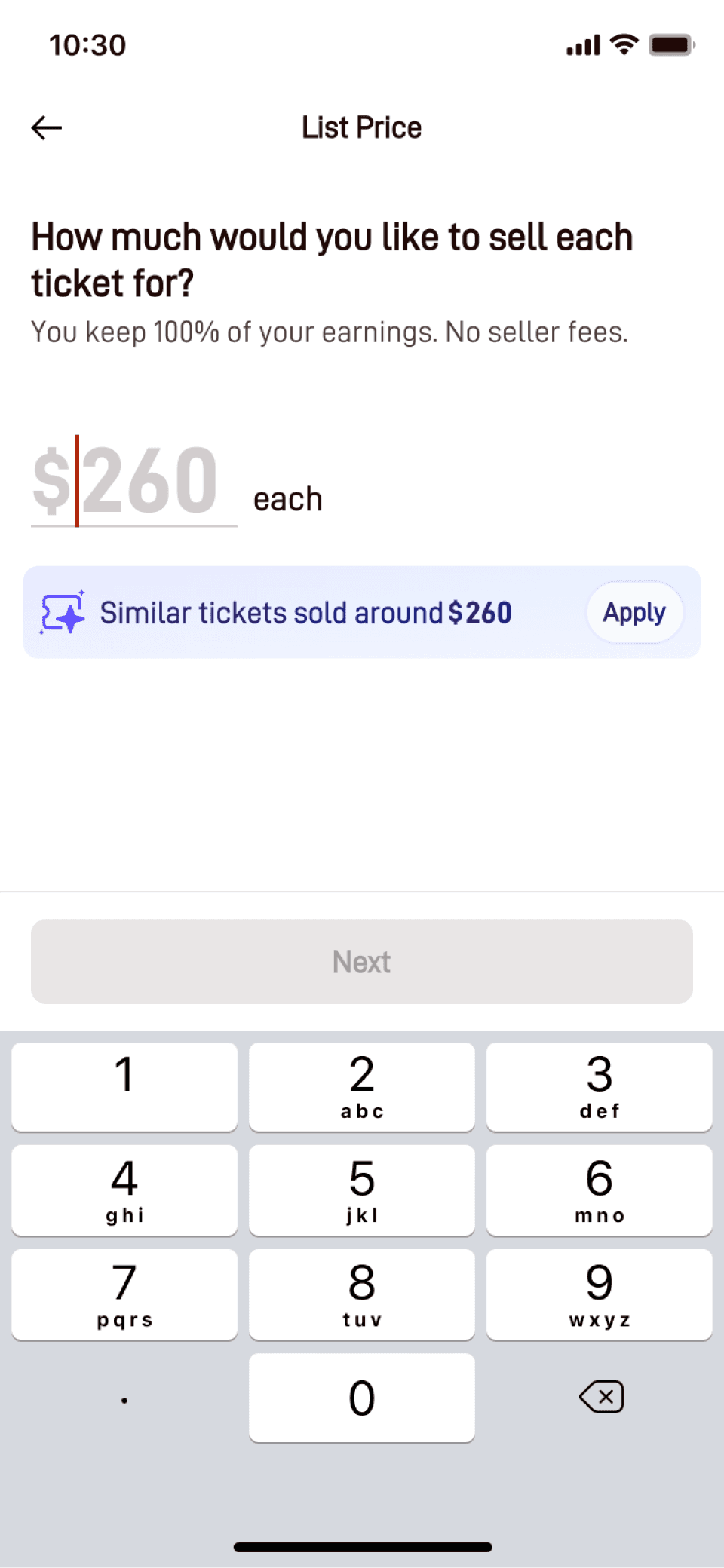
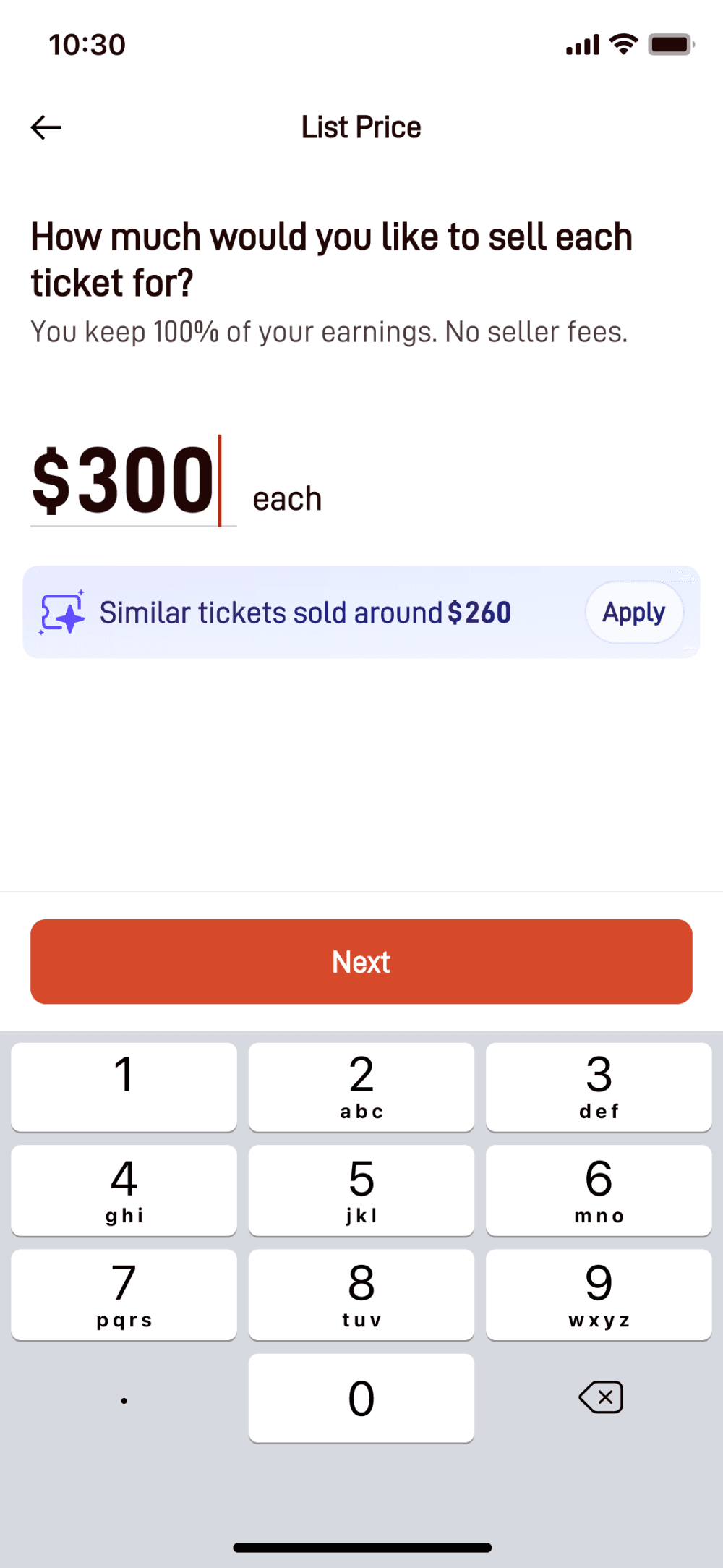
Information Hierarchy: Before/After
Before
After
State Flow
Default path (State 1)
Show recommendation → User clicks "Apply" → Confirmation (State 2)
Near-match path (State 5)
User enters acceptable price → Direct confirmation (State 2)
Out-of-range path (State 3)
Re-surface recommendation → User clicks "Apply" → Confirmation (State 2)
Policy violation path (State 4)
Show error + recommendation → User clicks "Apply" → Confirmation (State 2)
Fallback path
No ML available → Manual input only → Proceed without recommendation
Results & Impact
+ 25%
Priced within ±10% of recommendation
Indicating the feature influenced even manual pricing decisions
+ 50% time-to-sale
For higher priced tickets—the exact segment we aimed to help
The exact segment we aimed to help
+ 7%
Increase in overall platform sales rate
Sellers who used recommendations sold more tickets
34%
Sellers adopted ML-recommended prices
Directly through the "Apply" button
Adoption Metrics
Business Impact
Full launch | Compare before and after
Related Projects