Little Moochi – Mobile Game for Children’s Nutrition Education
Overview
How It Works
Little Moochi uses AI to recognize millions of food types. When children “feed” Moochi, they scan their food and watch the pet respond in real time. Each scan earns points that can be redeemed for stickers in Moochi’s virtual home.
What It Teaches Children
The game goes beyond healthy eating, it teaches children the value of delayed rewards and persistence. Points unlock new stickers, while fun challenges encourage kids to try unfamiliar foods, fostering curiosity and open-mindedness.
Benefits for Parents
Little Moochi helps reduce mealtime struggles by motivating kids through play. Parents can monitor their child’s eating habits and growth over time with an integrated dashboard, which can also be shared with pediatricians for professional guidance.
Team
Product Design Team
Role
UX/UI Designer,
Illustrator
Timeline
2020
Tools
Figma,
Photoshop,
Illustrator
Project Background
In version 2.0, Little Moochi was upgraded with expanded daily tasks and enhanced social features, informed by user data and interview insights. These updates were designed to boost engagement and encourage consistent food logging, helping children build lasting habits while deepening their nutritional knowledge through play.
User Needs and Use Cases
User Needs
Daily Motivation
→ Encourage children to consistently log their meals in the app.
Social Recognition
→ Allow kids to showcase achievements and progress to friends.
Immersive Gameplay
→ Create a more engaging and interactive game environment.
Devices
iPad (primary device for kids)
iPhone (secondary device for kids)
Parent’s iPhone (for monitoring and support)
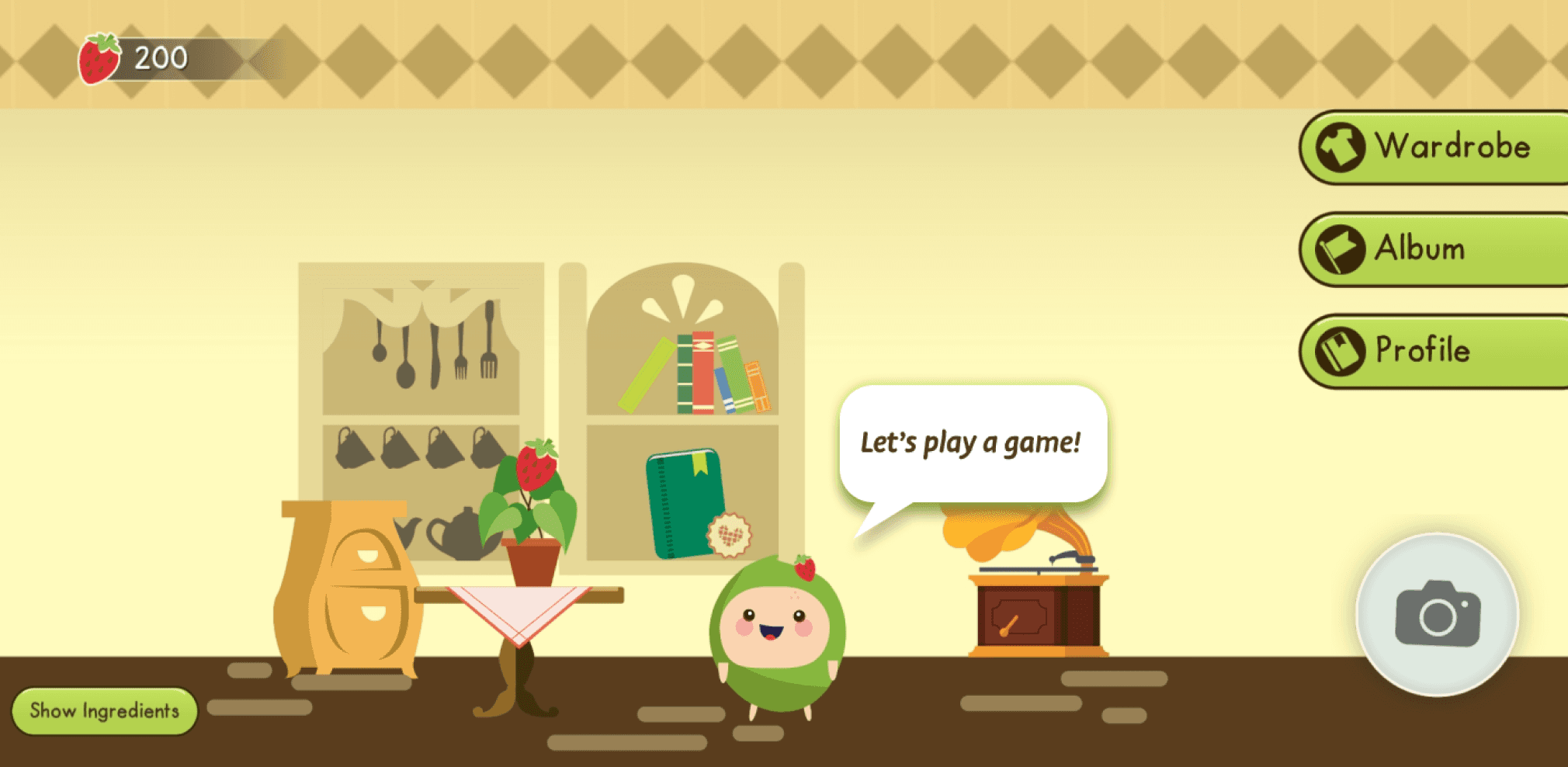
Version 1.0 Game Interface
Features and Design
Features and Design
Social Features
We introduced social features that let kids invite and connect with friends in the game. These interactions boost engagement, foster friendly competition, and help bring new users into the Moochi community.
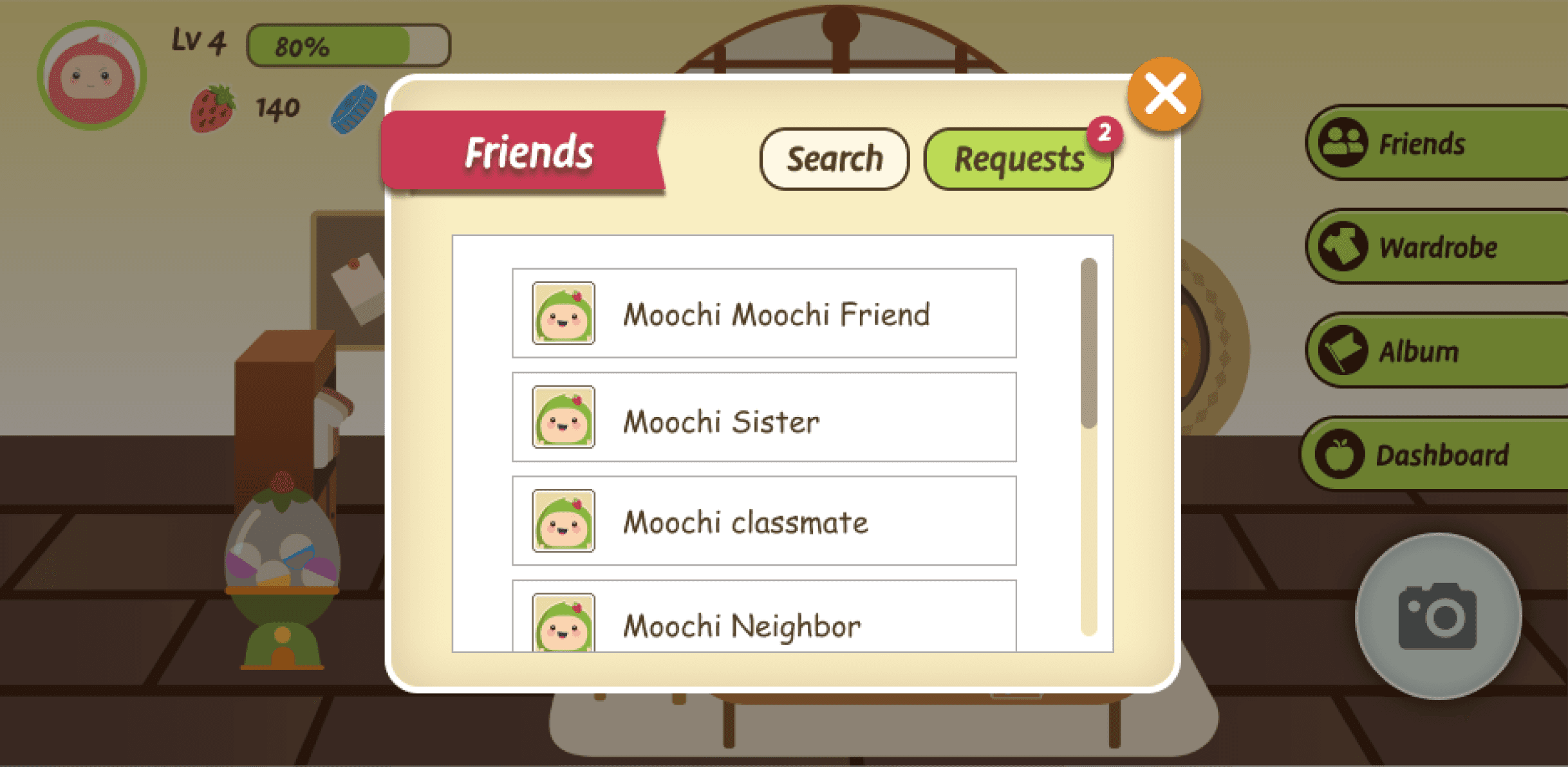
Friends List
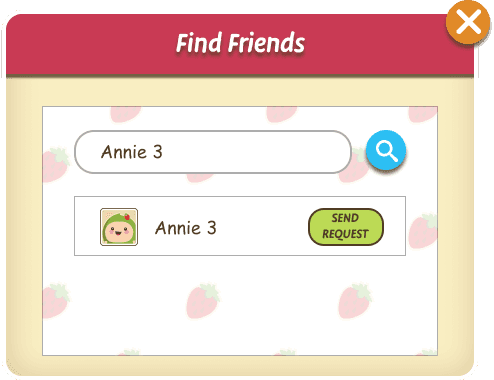
Find Friends
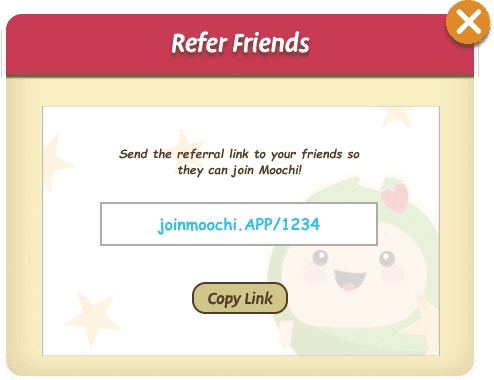
Refer Friends
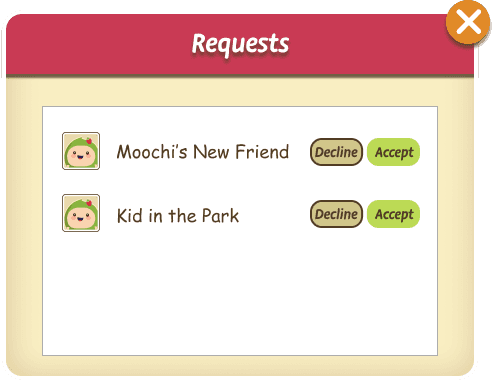
Friend Requests
Daily Challenges &
Cooperative Challenges
To keep kids motivated, we added new daily and cooperative challenges along with a friend leaderboard. These features encourage healthy eating through fun goals and teamwork, while rewarding progress with points and achievements.
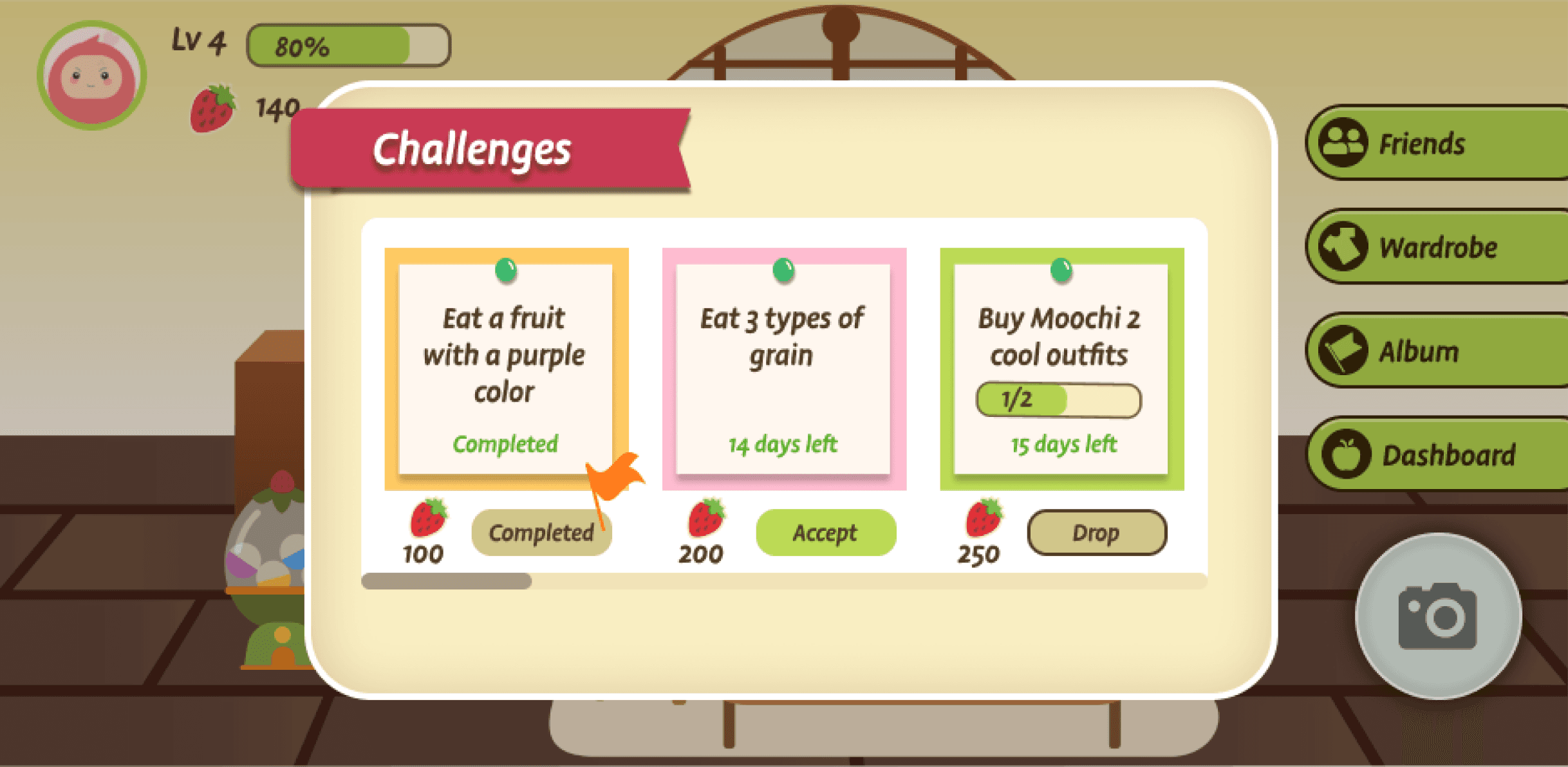
Daily Challenge Overview Dashboard
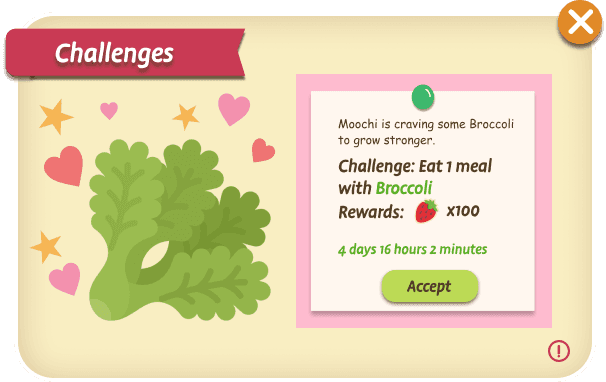
Solo Challenges
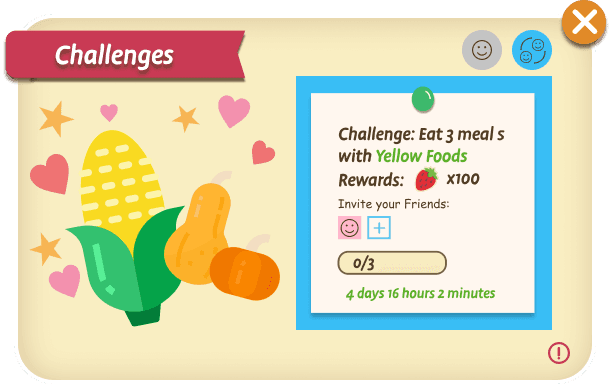
Cooperative Challenges
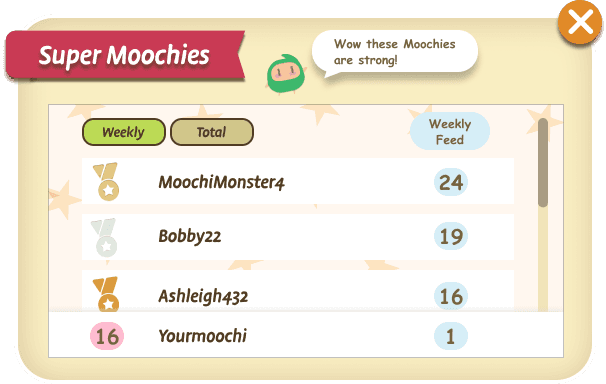
Leaderboard
Onboarding & UI Iterations
Accept Challenge
Daily Challenge Prompt
Reward Moment

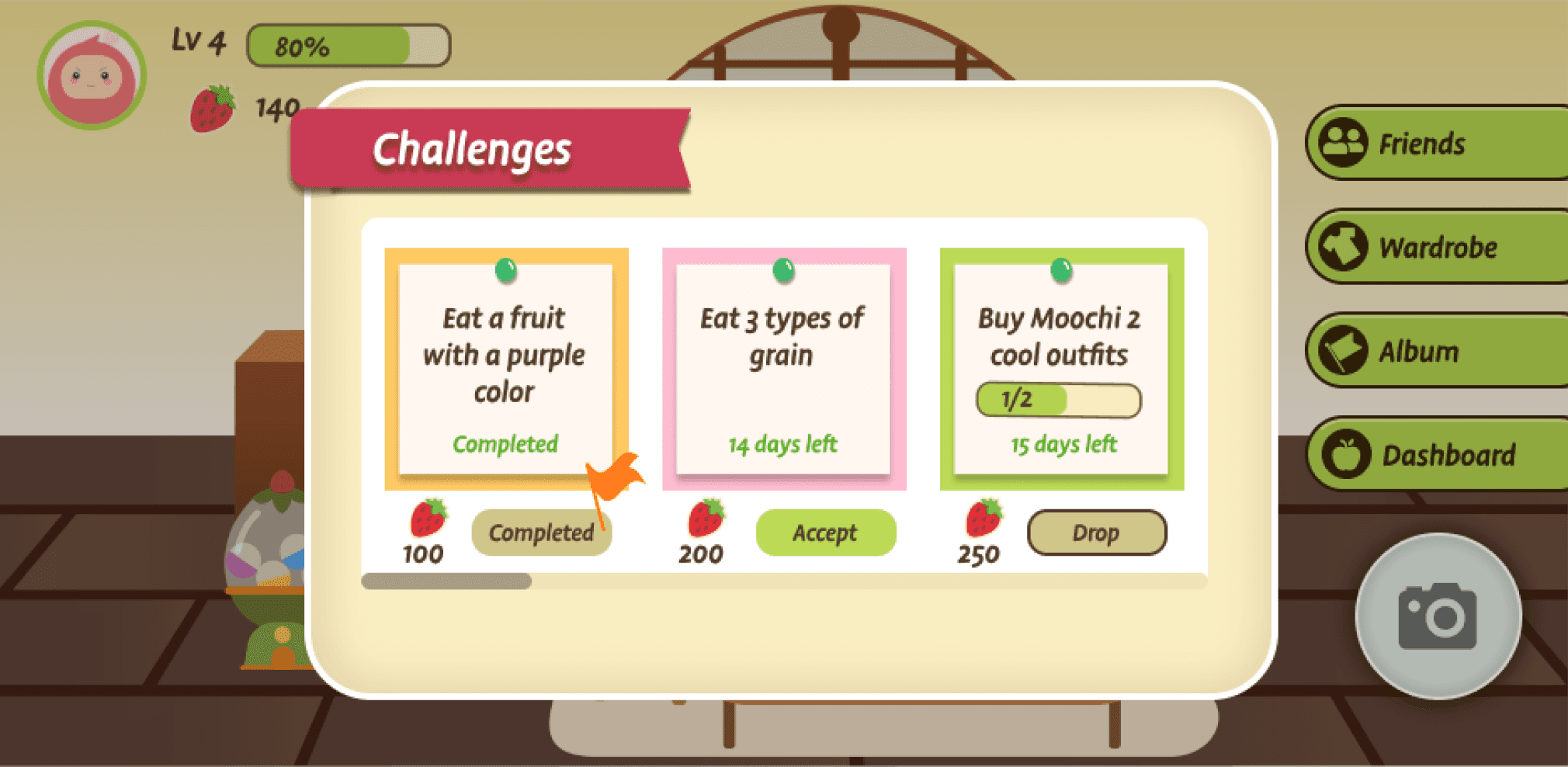
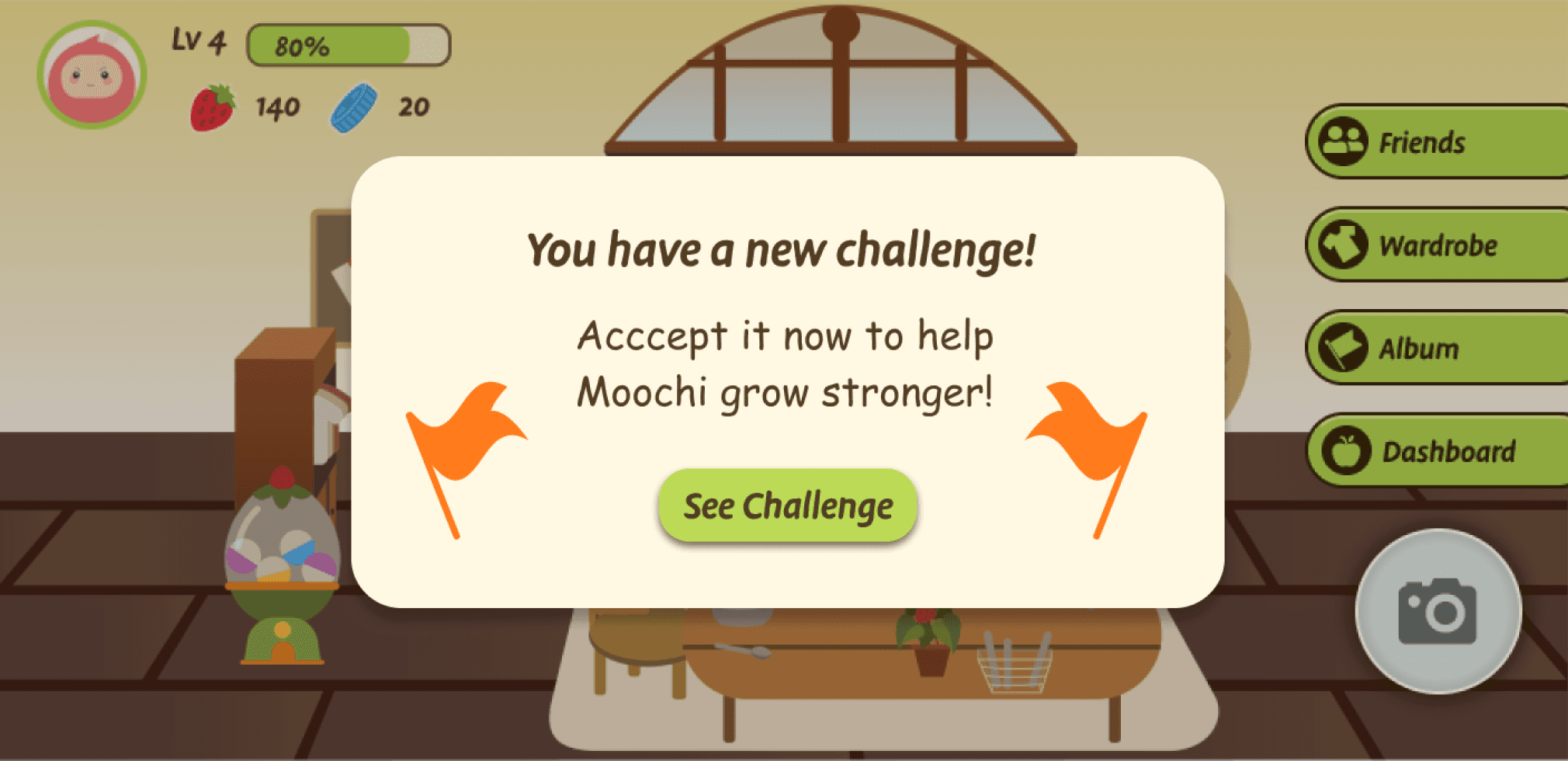
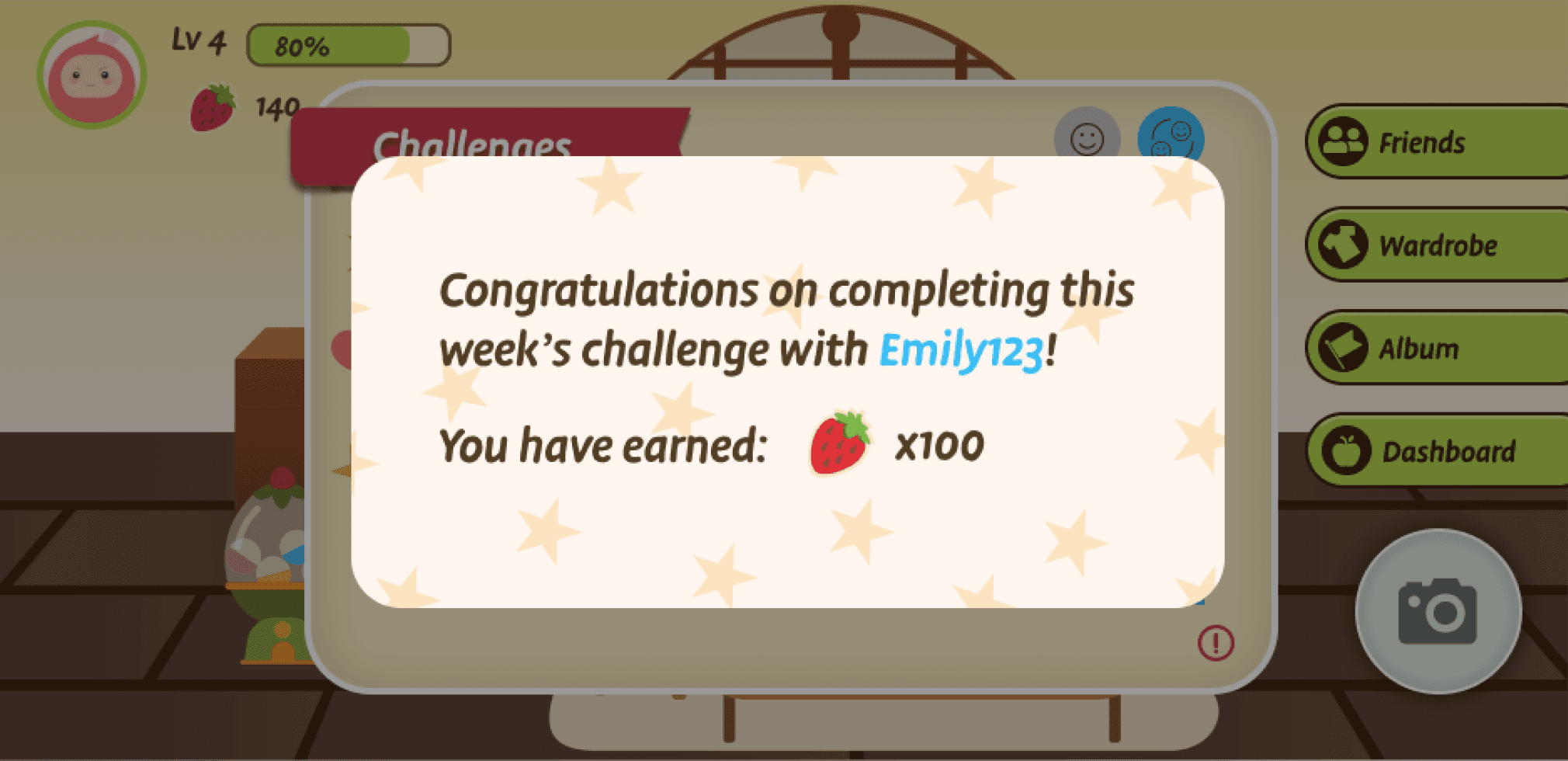
Kids Onboarding Walkthrough (Step-by-Step)
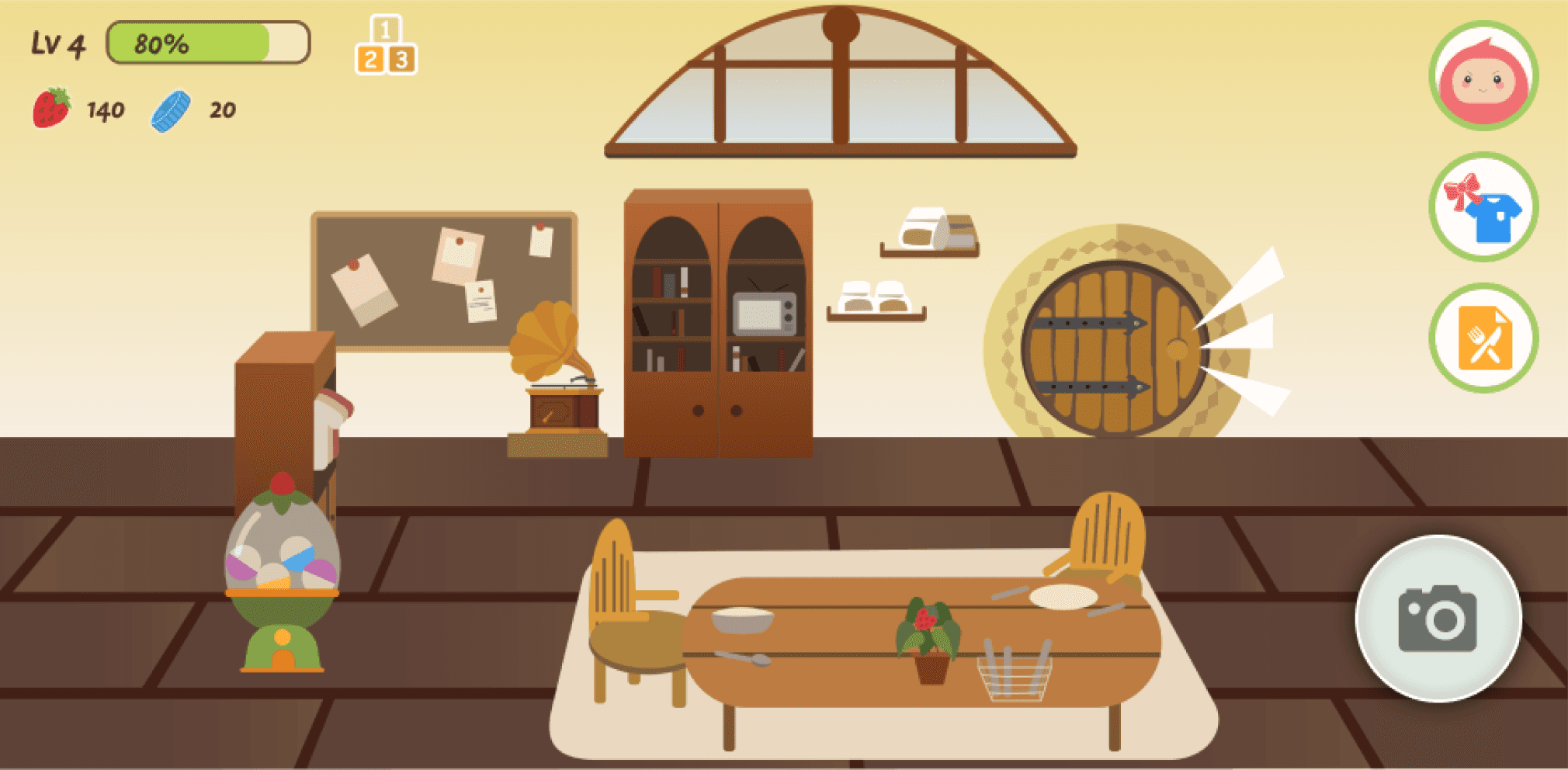
Home Screen (after)
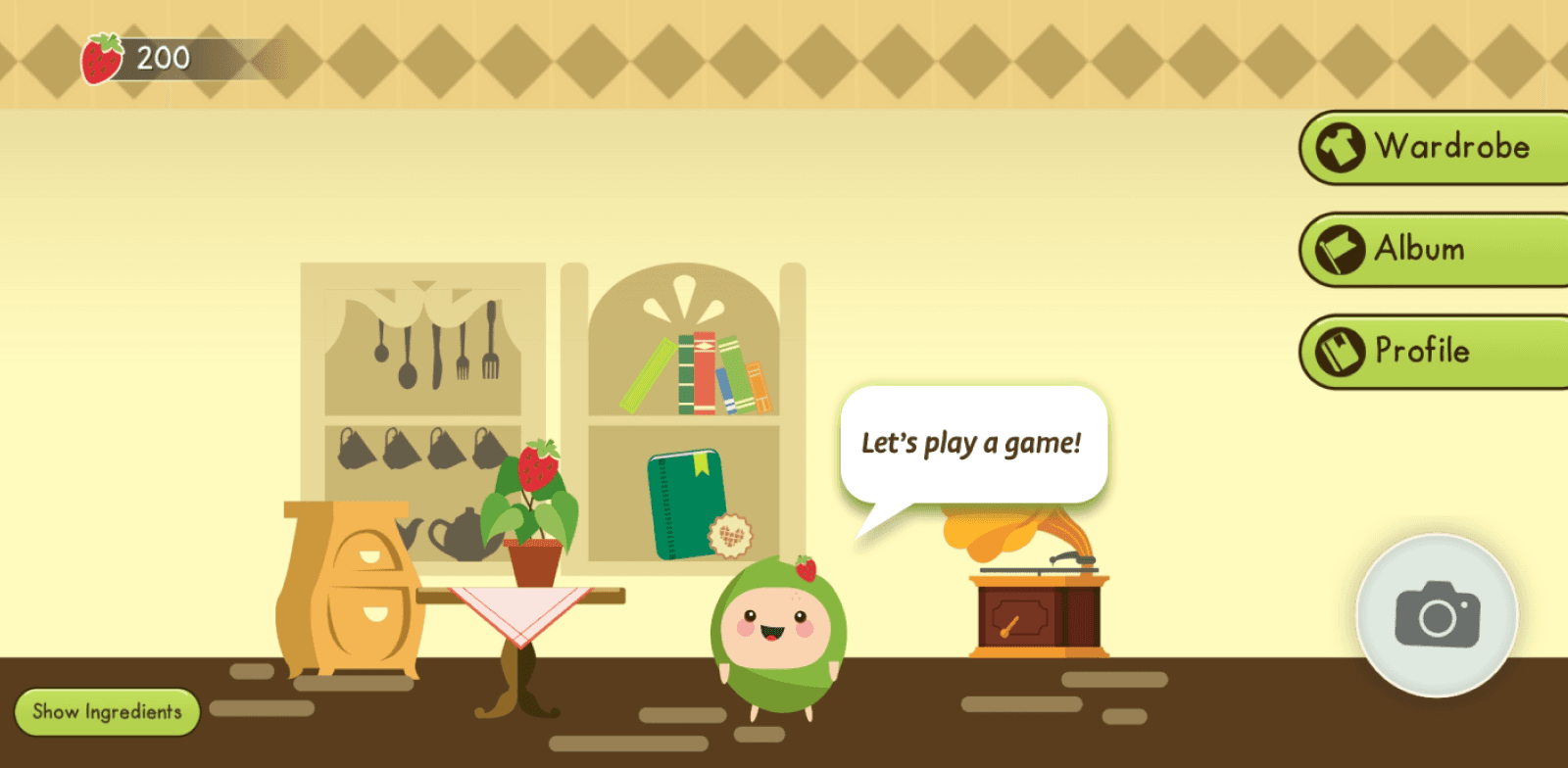
Home Screen (Before)
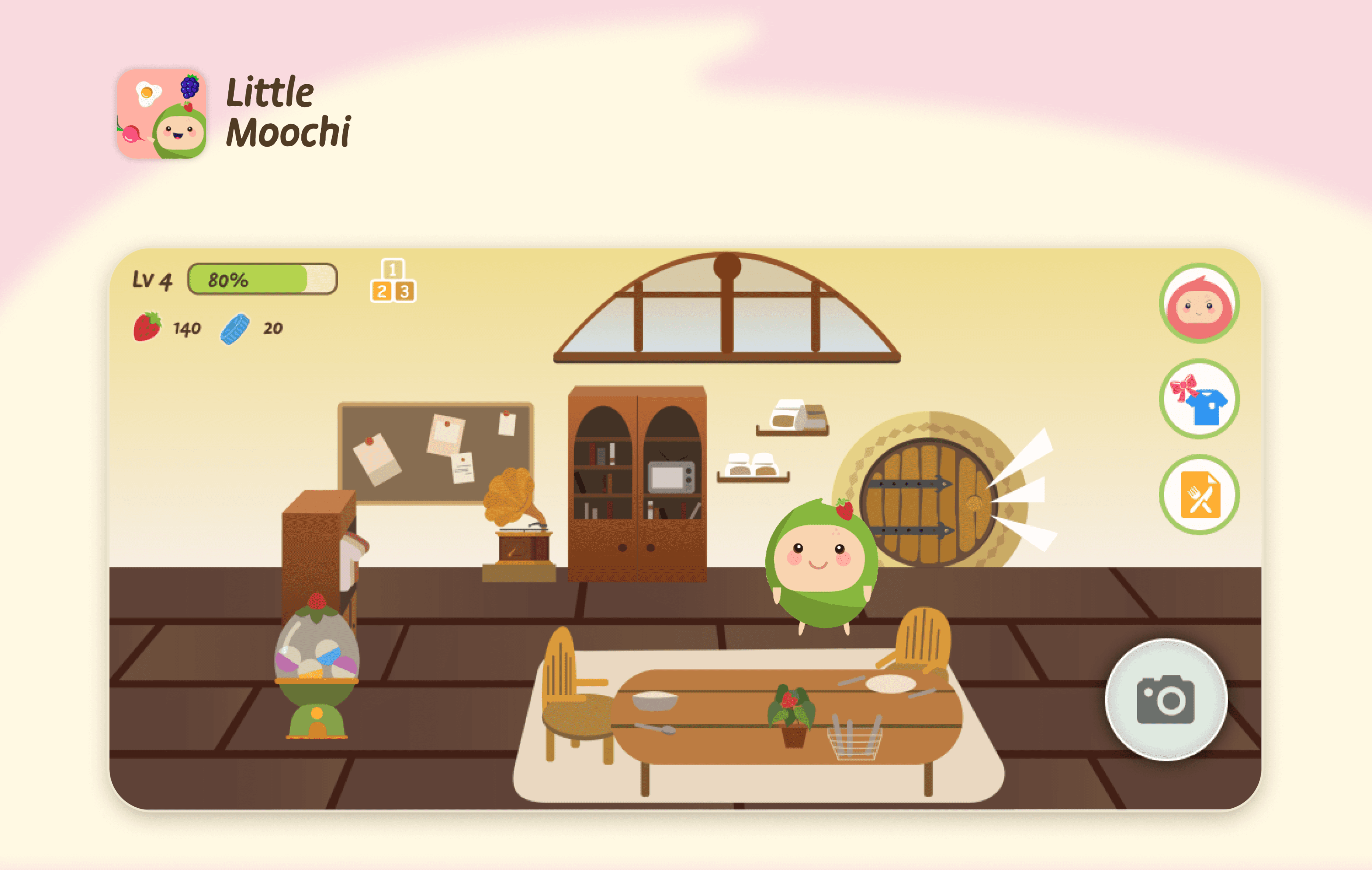
Main Interface Controls — Icon-First & Unobtrusive
Problem
On iPad, oversized text buttons covered interactive areas in the scene (e.g., the garden door).
What we changed
We reduced the button size of primary controls, moved them to safe edges, and switched from text labels to icons.
Why it’s better
Cleaner view of the scene, fewer accidental taps, and a more kid-friendly, thumb-reachable layout.
Impact After Launch
The redesigned version delivered strong results in early user and internal testing:
Higher Engagement: Daily login frequency increased noticeably
Positive Feedback: Test users expressed excitement about inviting friends, and parents appreciated the smoother onboarding
Growth Potential: Social features like invitation codes showed clear demand, paving the way for broader adoption and community growth
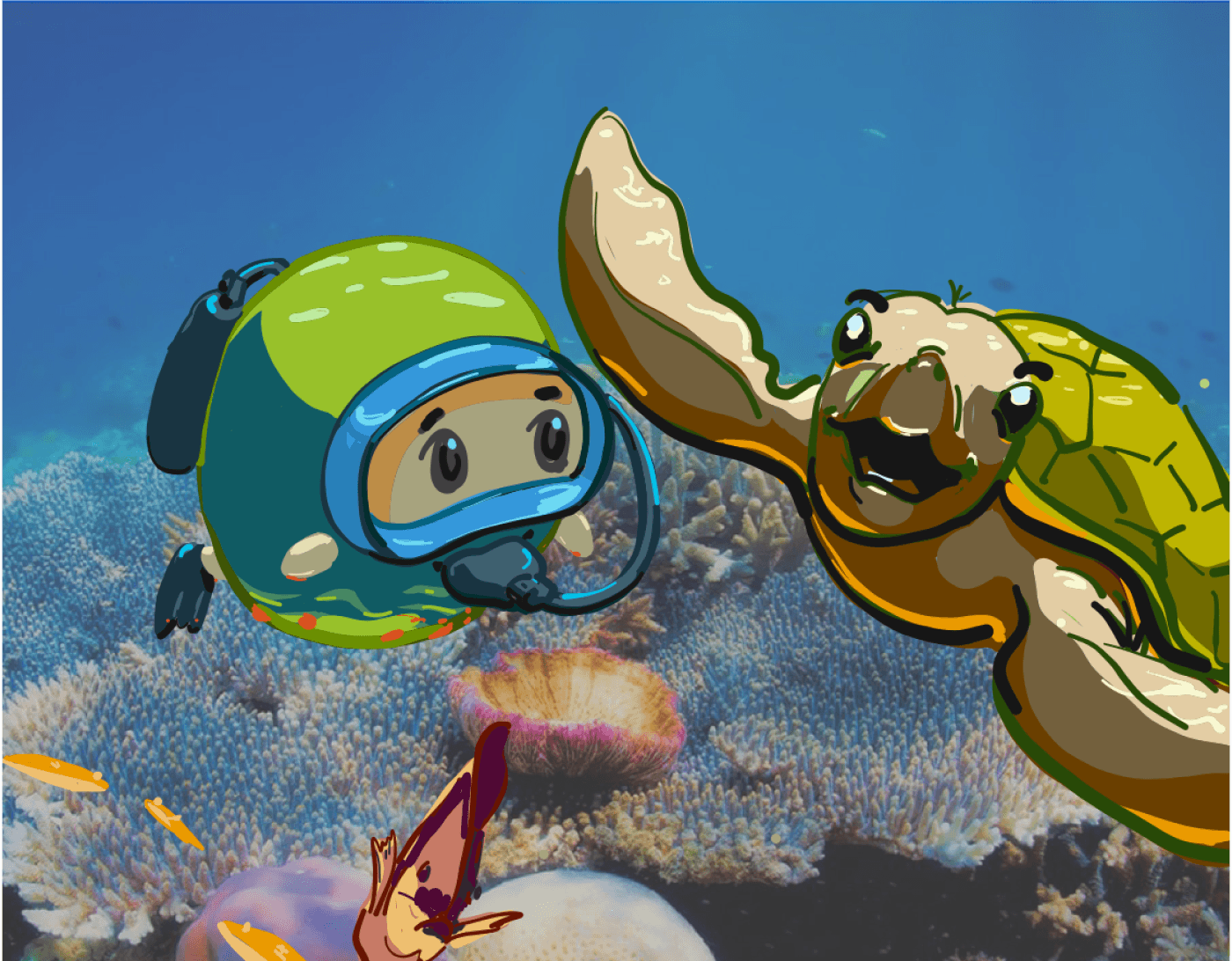
Little Moochi Milestone Journal Poster (illustrator: Jialu Li)
Related Projects